Adaprox Fingerbot Plus vs SwitchBot Bot: Which Smart Button Wins?
Author: Mateo | Smart Home Technology Editor with 5+ years experience (ABOUT US)
Quick Verdict
| Adaprox Fingerbot Plus | SwitchBot Bot | |
|---|---|---|
| Verdict | ⭐ Editor’s Pick | ✅ Reliable Pick |
| Best for | Speed, power users, stiff switches | Battery life, simple setups |
| Connectivity | Zigbee + Bluetooth | Bluetooth only |
| Motor force | 10 Newtons | ~8 Newtons |
| Battery life | Up to 9 months | 500–600 days |
| Manual button | ✅ Yes — touch on device | ❌ App/remote only |
| Price | ~$30 | ~$30 |
You do not need to tear open your walls to build a smart home. For years, renters and homeowners have relied on tiny robots to mechanically push buttons on coffee makers, garage openers, and PC towers. If you are looking to automate a non-smart appliance without rewiring, you are likely stuck choosing between two main contenders. The battle of Adaprox Fingerbot Plus vs SwitchBot Bot is the most debated topic in the retrofit community right now.
The SwitchBot Bot was the original pioneer of this technology. It became the default choice for sticking a smart button on anything. However, the Adaprox Fingerbot Plus has entered the market with updated features that directly address some of the SwitchBot’s biggest limitations. Choosing the wrong one can lead to connection lags, weak pushes that fail to toggle stiff switches, or frustration with battery replacements.
This guide breaks down exactly how these two devices perform in real-world scenarios. We will look at response speed, physical design, and motor strength to help you decide which robot deserves a spot on your wall.
📶 The Connectivity Battle: Bluetooth vs. Zigbee
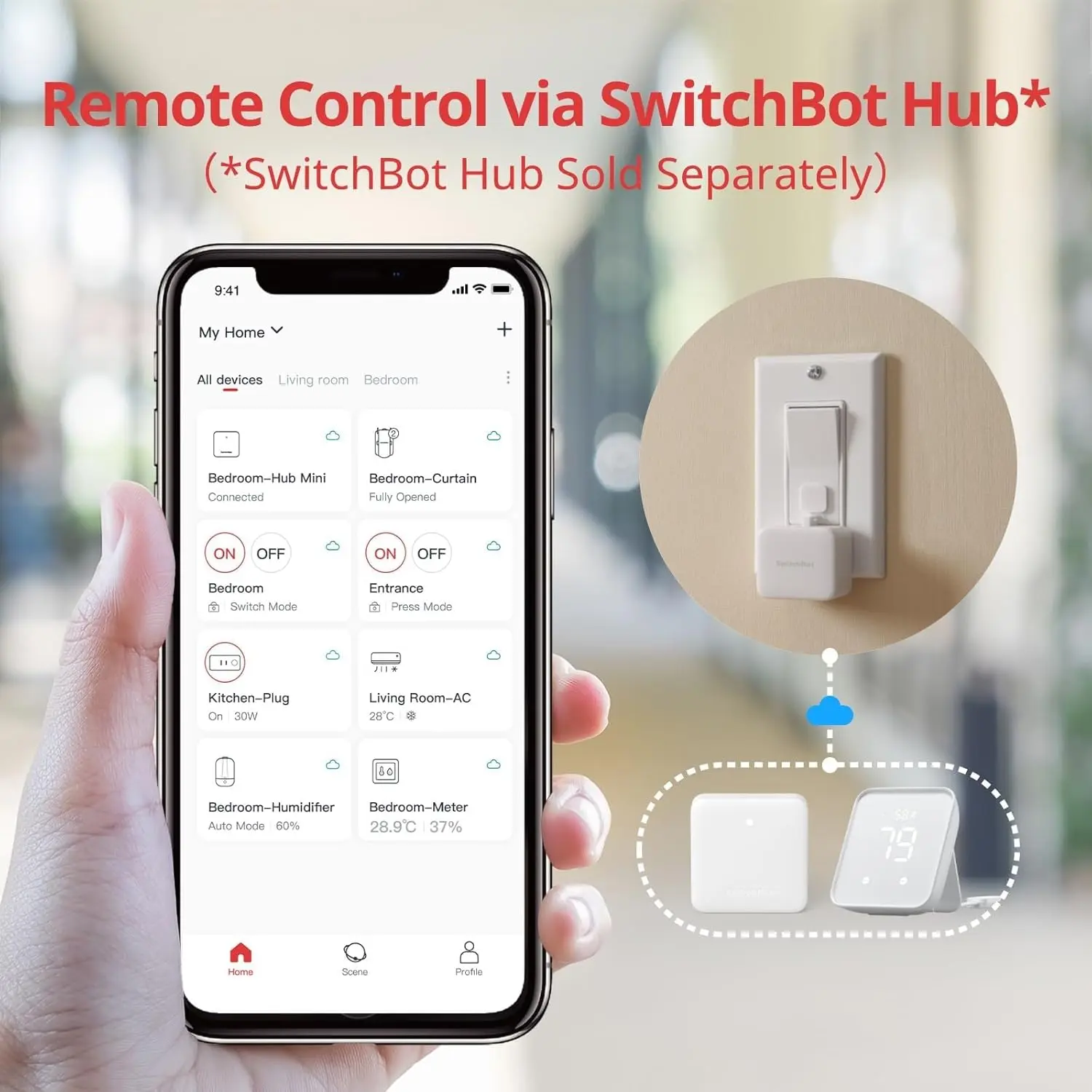
The most critical technical difference between these two devices lies in how they talk to your smart home network. The SwitchBot Bot relies exclusively on Bluetooth Low Energy. This means your phone needs to be within a certain range to control it directly. If you want to control it while you are at work or through voice assistants like Alexa, you must purchase a separate SwitchBot Hub Mini or Hub 2 to bridge that Bluetooth signal to your Wi-Fi.
In practice, this Bluetooth connection can introduce a noticeable delay. When you ask your voice assistant to turn on the lights, the signal travels to the cloud, back to the hub, and then over Bluetooth to the bot. This process often results in a two to four-second lag. While this is acceptable for a coffee maker on a timer, it feels sluggish for a light switch you want to turn on instantly.
Tech Note: The Adaprox Fingerbot Plus changes the game by offering a dedicated Zigbee version. Zigbee is a mesh network protocol signals hop through other smart plugs or bulbs in your home, extending range far beyond what Bluetooth can handle. For users with Home Assistant, the Fingerbot Plus executes commands almost instantly. No cloud. No lag.
Buy links — Connectivity:
🎨 Design and Daily Usability
Functionality usually trumps aesthetics in home automation, but the physical design of these bots impacts how you use them every day. The SwitchBot Bot is a slightly larger, rectangular unit with no physical controls on the device itself. Once you stick it to a device, the only way to trigger the arm is through the app, a voice command, or a separate remote button. This creates a problem when a guest tries to use the switch manually and finds the robot blocking it.
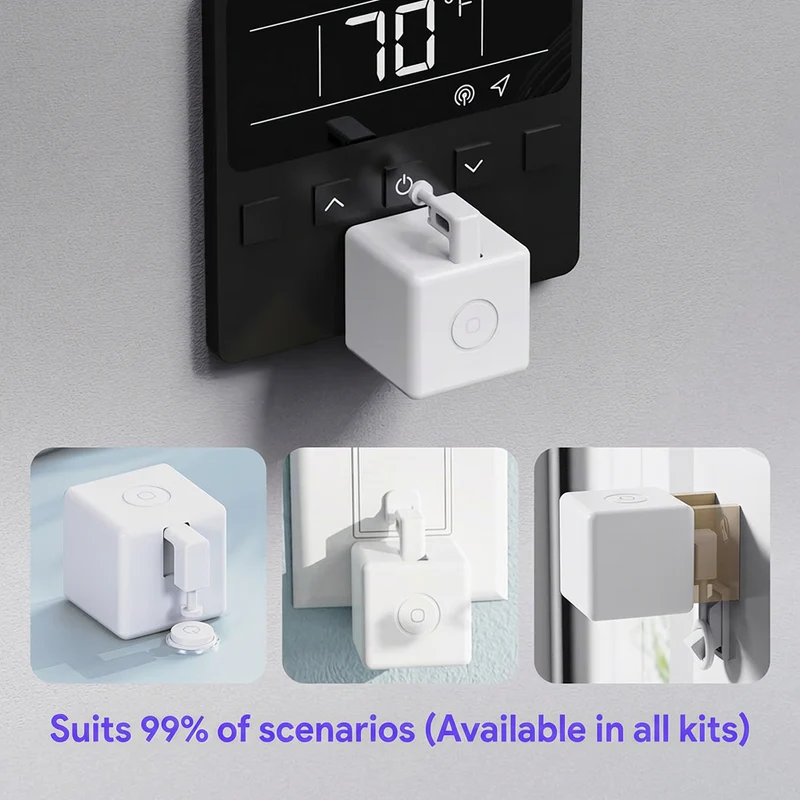
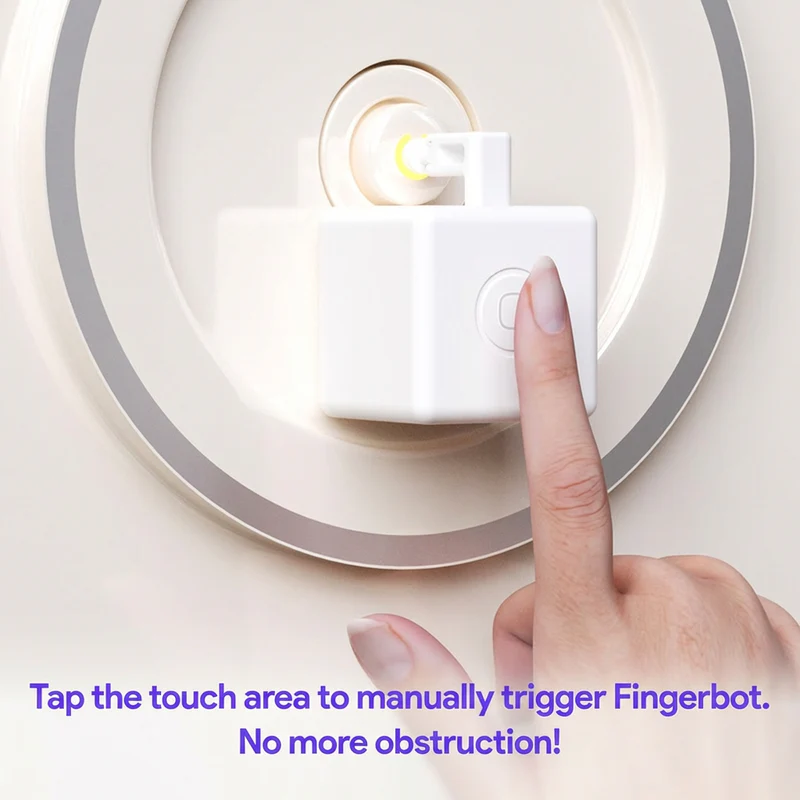
Adaprox solved this common frustration by integrating a capacitive touch button directly onto the top of the Fingerbot Plus. This simple addition allows anyone to tap the robot to trigger the arm manually. It effectively turns your non-smart switch into a smart button without removing the manual control option. This “Wife Approval Factor” is often the deciding point for shared households where not everyone wants to use a phone app to turn on a lamp.
The shape also matters for installation. The Fingerbot Plus is a compact cube, while the SwitchBot is wider. If you are trying to automate a power strip where outlets are crowded together, the narrower footprint of the Adaprox unit often fits where the SwitchBot cannot.
💪 Motor Strength and Switch Compatibility
Not all switches are created equal. In the United States, most homes use easy-to-press toggle switches or flat rockers that require very little force. However, older homes and many properties in the UK and Europe feature stiff rocker switches that fight back. The original SwitchBot Bot pushes with a force of roughly 8 Newtons. This is sufficient for standard appliances and modern light switches, but it can struggle against heavy-duty resistance.
The Adaprox Fingerbot Plus was re-engineered with a stronger motor capable of delivering 10 Newtons of force. During testing on stiff extension lead switches, the extra torque allowed the Fingerbot Plus to toggle switches that caused the SwitchBot to stall or pop off its adhesive mount. If you are automating a device with a satisfyingly hard “clunk” to its switch, the Adaprox is the safer bet.
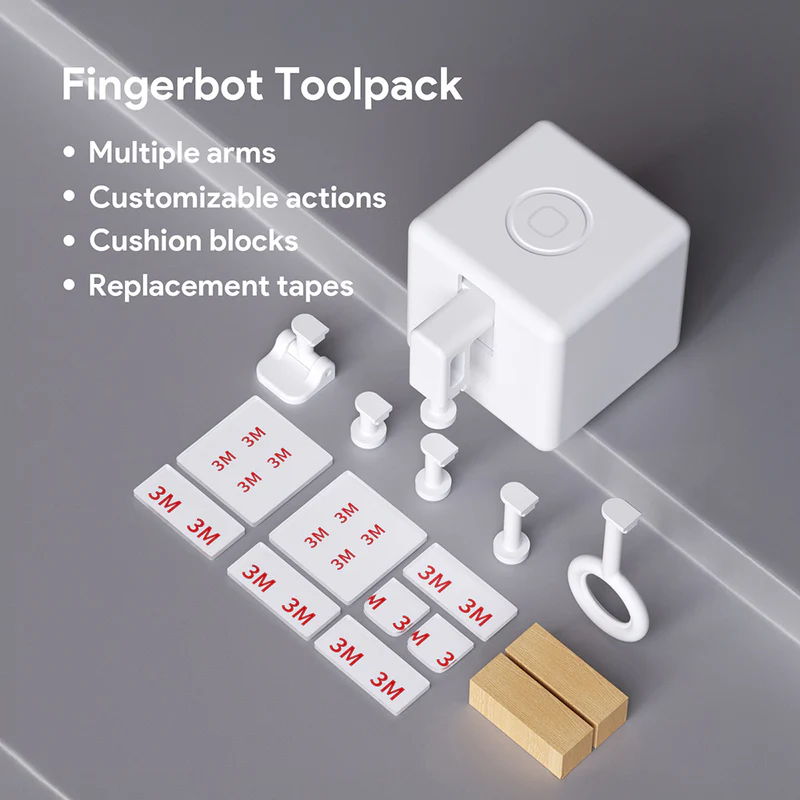
Accessories also play a huge role in compatibility. The SwitchBot comes with a simple add-on sticker for pulling switches, but Adaprox offers a modular Toolpack. This kit includes multiple arm lengths, rocker toggles, and ring arms that you can swap out. This modularity allows you to customize the mechanical reach of the bot to fit awkward or recessed buttons that the standard SwitchBot arm simply cannot reach.
Buy links — Accessories:
🔋 Battery Life and Maintenance Realities
While Adaprox leads in features, SwitchBot remains the undisputed king of energy efficiency. The SwitchBot Bot is powered by a CR2 battery that consistently lasts between 500 to 600 days. You can stick this device in a hard-to-reach place like a ceiling fan unit or behind a heavy entertainment center and forget about it for nearly two years.
The Fingerbot Plus also uses a replaceable CR2 battery, which is an upgrade from the internal battery of its predecessor. However, the advanced features take a toll on longevity. The Zigbee radio and the always-listening mesh capabilities drain the power faster. Most users report needing to swap the battery every six to nine months depending on usage frequency. If you prioritize a “set it and forget it” experience and do not want to manage battery levels frequently, the SwitchBot has a clear advantage.
Pro Tip: Both devices use a CR2 battery the same size used in many camera remotes. Buy a 4-pack in advance so you are never caught without a replacement. The Fingerbot Plus lasts up to 9 months at ~4 activations per day, so most users replace it once or twice a year depending on usage.
🏠 Ecosystem and App Integration
Your choice ultimately depends on the other devices in your home. If you already own SwitchBot Curtains, a Hub 2, or their smart lock, staying within the SwitchBot ecosystem makes perfect sense. Their app is polished, user-friendly, and unifies all your devices in one clean interface. The brand has built a reputation for reliability, and their cloud integration with Google Home and Alexa is robust.
On the other hand, the Adaprox Fingerbot Plus is the preferred tool for power users. If you run a local home automation server like Home Assistant, the Zigbee version of the Fingerbot pairs directly without needing a proprietary cloud. This keeps your data private and ensures your switches work even if your internet goes down. For general users, the Tuya or Smart Life app used by Adaprox is functional but feels less premium than the native SwitchBot experience.
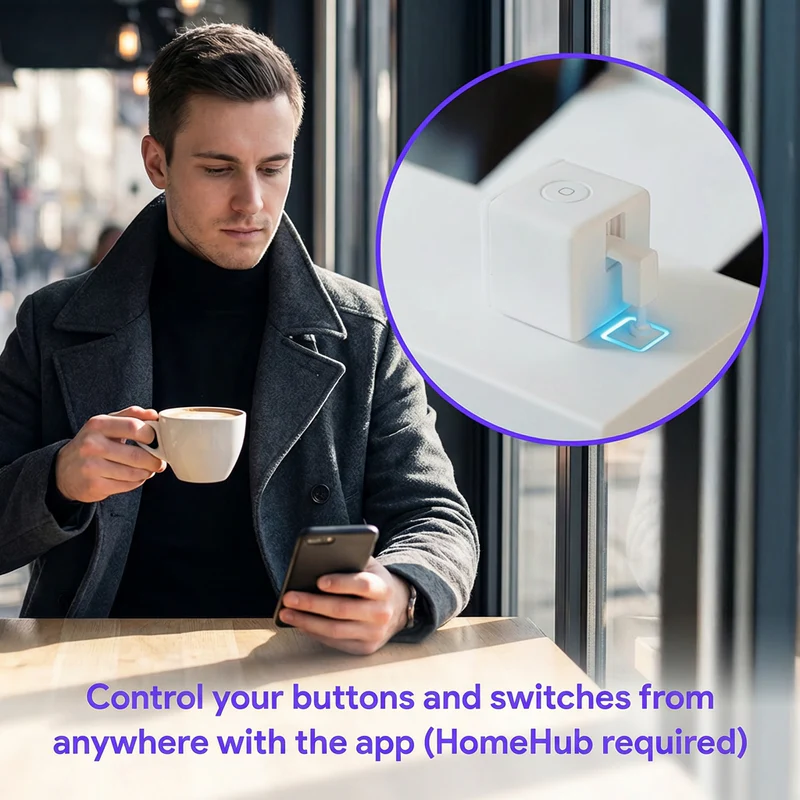
Both devices support Alexa, Google Assistant, and Siri Shortcuts, but the path to get there differs. The Adaprox Fingerbot Plus connects through its HomeHub and supports all four major platforms. The SwitchBot Bot reaches voice assistants through its Hub Mini and additionally supports IFTTT, Node-RED, and SmartThings a broader automation platform list that appeals to advanced users already embedded in those ecosystems.
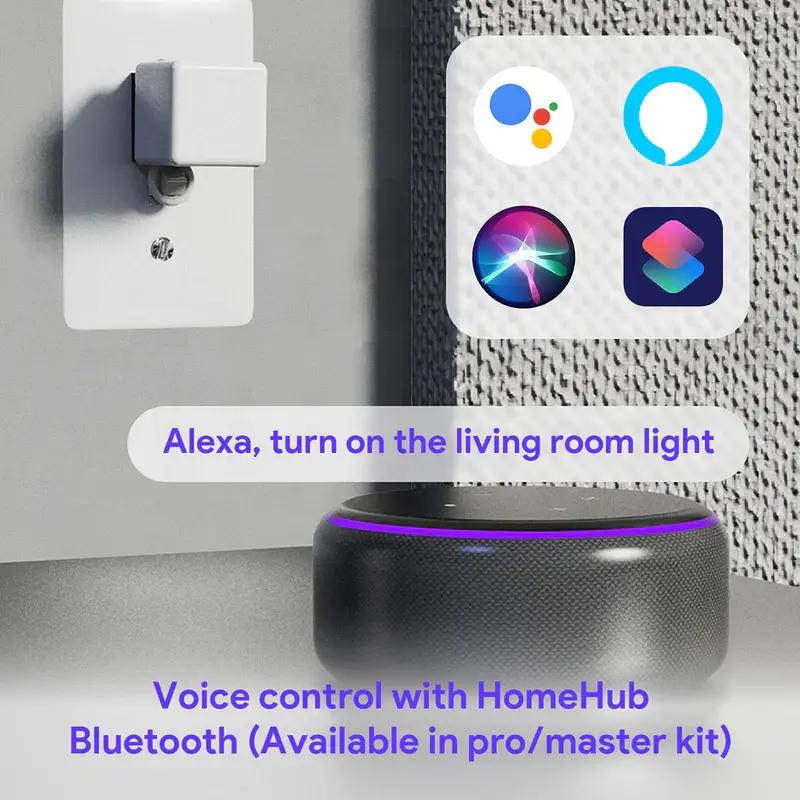
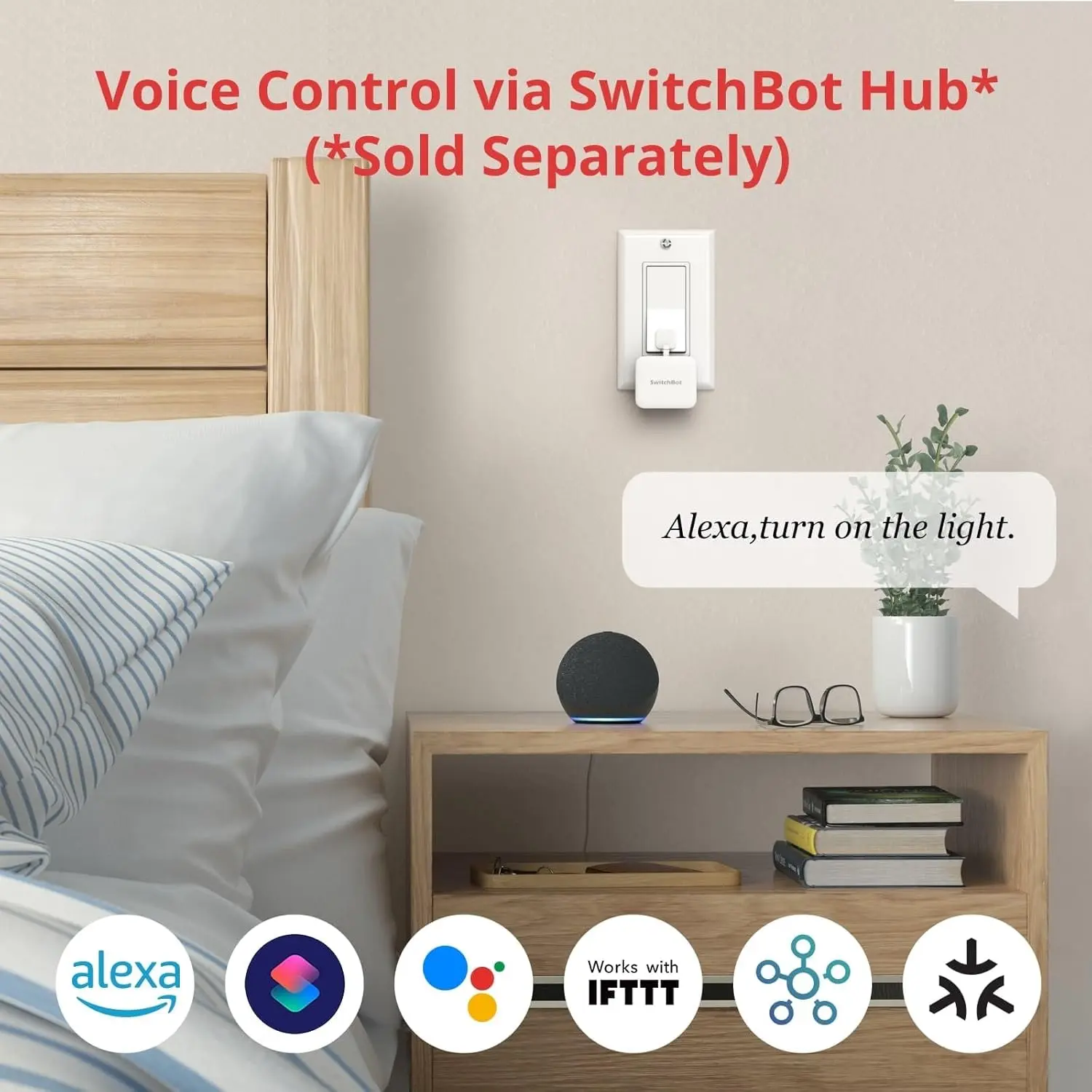
⚡ Home Assistant users: The Zigbee version of the Fingerbot Plus pairs natively with any Zigbee coordinator (ConBee II, Sonoff Zigbee 3.0 USB Dongle) via Zigbee2MQTT or ZHA — no cloud account required. The SwitchBot Bot requires the SwitchBot cloud and their official hub even in a Home Assistant setup.
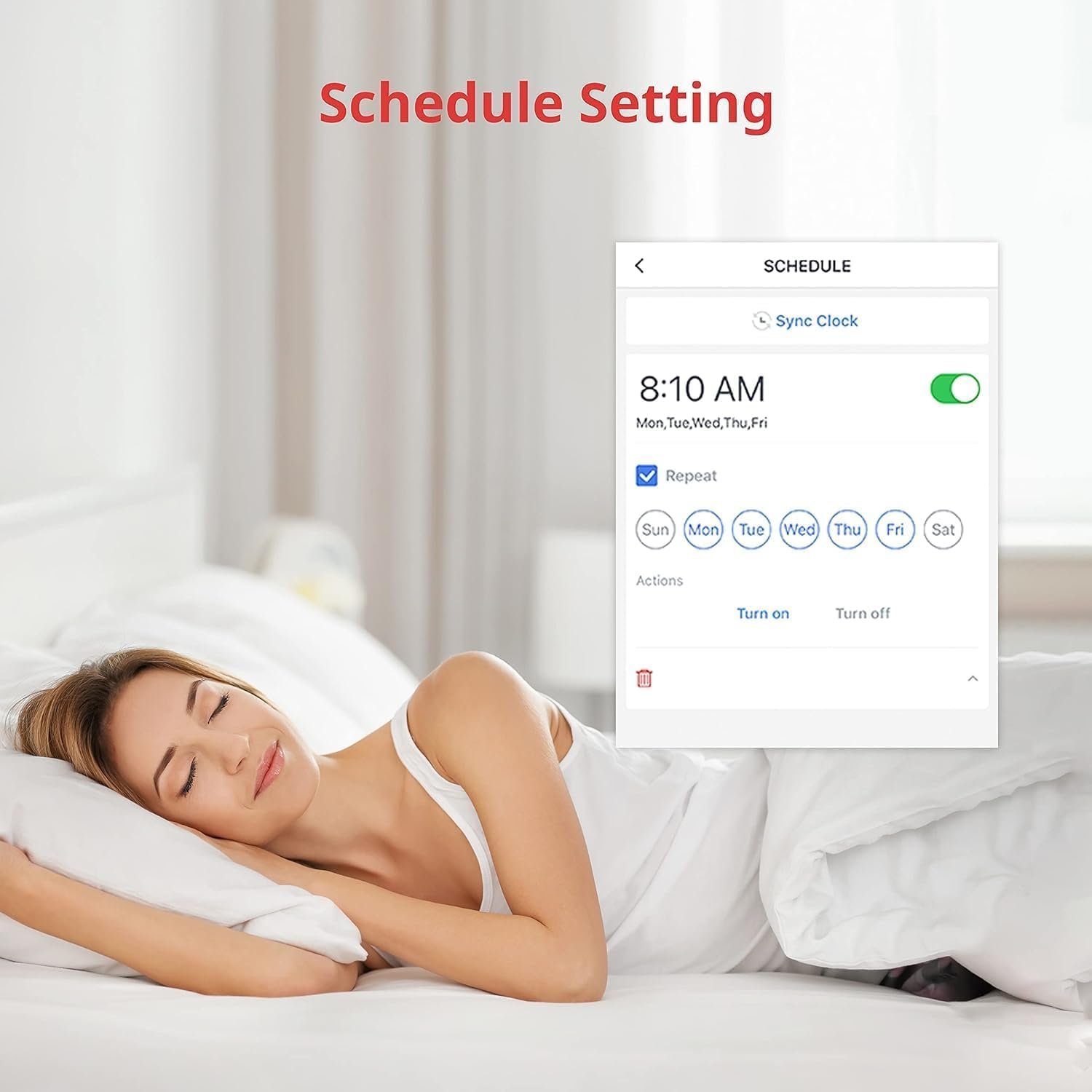
The SwitchBot app also includes a schedule setting feature that runs timers independently on the device itself no hub, no phone nearby required once the schedule is set. This is particularly useful for coffee maker automations or morning light routines where reliability matters more than instant remote access.
📊 Full Comparison Table
| Feature | Adaprox Fingerbot Plus | SwitchBot Bot |
|---|---|---|
| Connectivity | ✅ Zigbee + Bluetooth | Bluetooth only |
| Response speed | ✅ Near-instant (Zigbee) | 2–4 sec lag via voice |
| Motor force | ✅ 10 Newtons | ~8 Newtons |
| Manual button | ✅ Capacitive touch | ❌ App / remote only |
| Battery life | Up to 9 months (CR2) | ✅ 500–600 days (CR2) |
| Modular arms | ✅ Toolpack accessories | Basic add-on only |
| Home Assistant | ✅ Native Zigbee, no cloud | Requires cloud + hub |
| App quality | Tuya / Smart Life | ✅ SwitchBot native (polished) |
| On-device schedule | ⚠️ Via hub/app only | ✅ Yes — runs independently |
| Voice assistants | Alexa, Google Home, Siri Shortcuts | Alexa, Google Home, Siri Shortcuts, IFTTT, Node-RED, SmartThings |
| Price | ~$30 | ~$30 |
| Best for | Power users, stiff switches | Simple setups, set-and-forget |
Final Verdict
Choose Adaprox Fingerbot Plus (Zigbee) if:
- You want near-instant response speed
- Your switches are stiff or hard to push
- You run Home Assistant or want local control with no cloud
- You need a physical button for guests or roommates
- You automate a power strip with limited space
Choose SwitchBot Bot if:
- You want to install it and forget it for nearly 2 years
- You are already in the SwitchBot ecosystem (Hub, Curtains, Lock)
- You prefer a polished, premium app experience
- You are placing it somewhere hard to reach for battery changes
- You need Apple HomeKit support (via SwitchBot Hub2 + Matter)
Frequently Asked Questions
No. The SwitchBot Bot itself uses Bluetooth and does not connect to Wi-Fi directly. If you use a SwitchBot Hub to bridge the connection, the Hub connects only to 2.4GHz Wi-Fi networks which is standard for most smart home devices and ensures better signal range through walls.
Yes, but only via Bluetooth. You can control the Fingerbot Plus directly from your phone when you are nearby. To control it remotely or use voice assistants like Alexa, you will need a compatible Adaprox HomeHub or a third-party Zigbee hub if you bought the Zigbee version.
Yes, but you need the correct adapter. SwitchBot includes a small add-on loop that sticks to the switch to pull it up. Adaprox sells a separate Toolpack ($9.99) with a specialized arm designed specifically to hook around toggle switches for more reliable push-and-pull action.
Both are excellent for renters because they use 3M adhesive tape and require no wiring. However, the Adaprox Fingerbot Plus is often better for shared rentals because the physical touch button allows roommates or landlords to use the switch manually without needing access to your app.
Recent Posts

Matter 1.5: The Smart Home Revolution Finally Arrives in 2025