Smart Home Setup for Beginners (2026): Budget Guide Under $200
Author: Mateo | Smart Home Technology Editor with 5+ years experience (ABOUT US)
Setting up a smart home sounds complicated and expensive. It is neither.
In 2026, you can build a genuinely useful smart home for under $200, one that controls your lights, secures your front door, entertains your household, and saves you money on energy bills. You do not need to be technical. You do not need to rewire anything. And if you rent your home, most of it still applies to you.
This smart home setup for beginners guide walks you through every step clearly and simply. It covers which ecosystem to choose, which devices to buy first, how much everything costs, and exactly what to do if you rent. Whether you are in the US, UK, Canada, or Europe, the advice here is practical, honest, and built around real budgets.
According to Statista, smart home device adoption reached 49% of US households in 2025 and continues to grow rapidly across the UK and Europe in 2026. The market is no longer for tech enthusiasts only, it is for everyone.
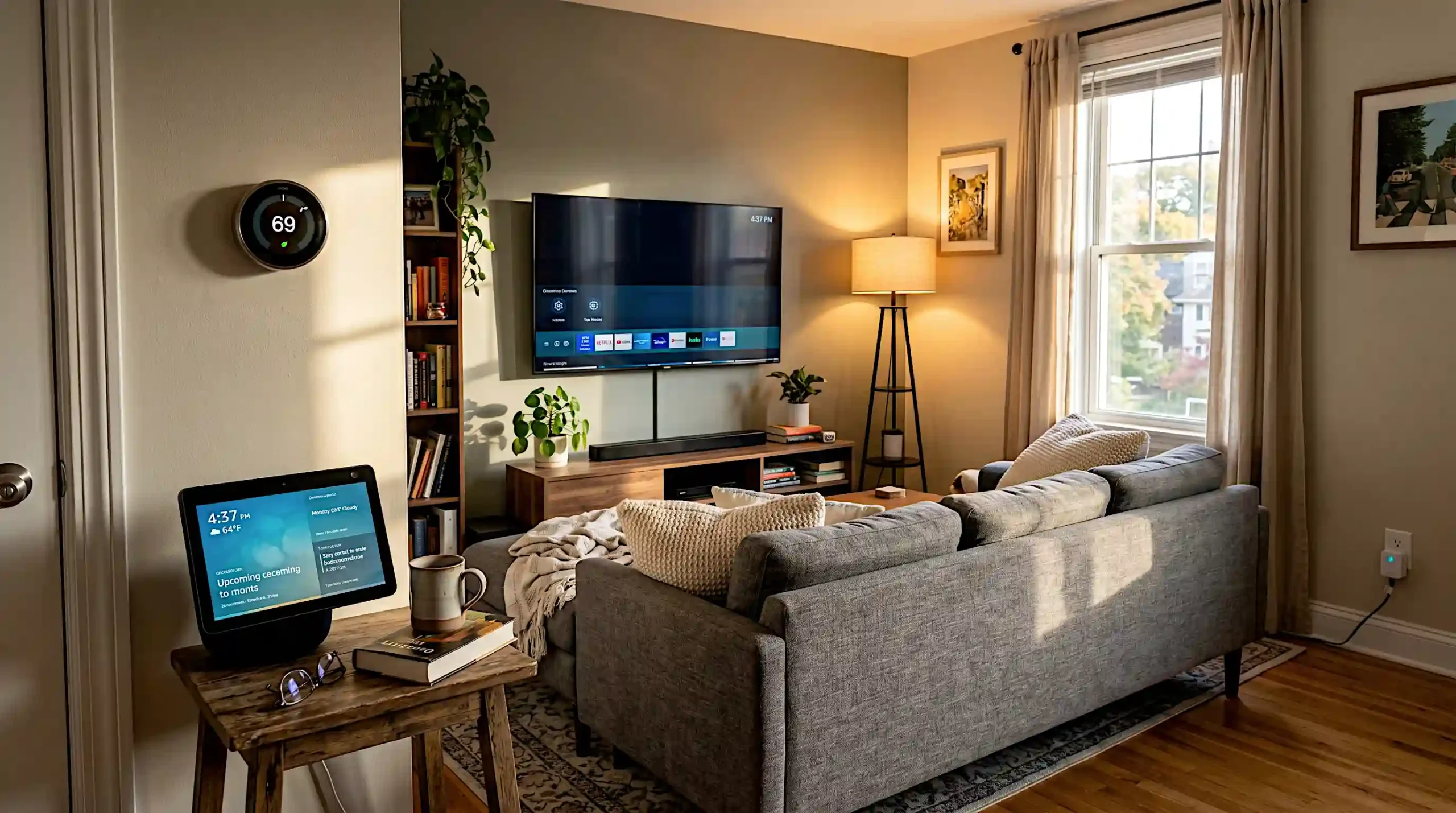
What Is a Smart Home? Smart Home Setup for Beginners, Step by Step
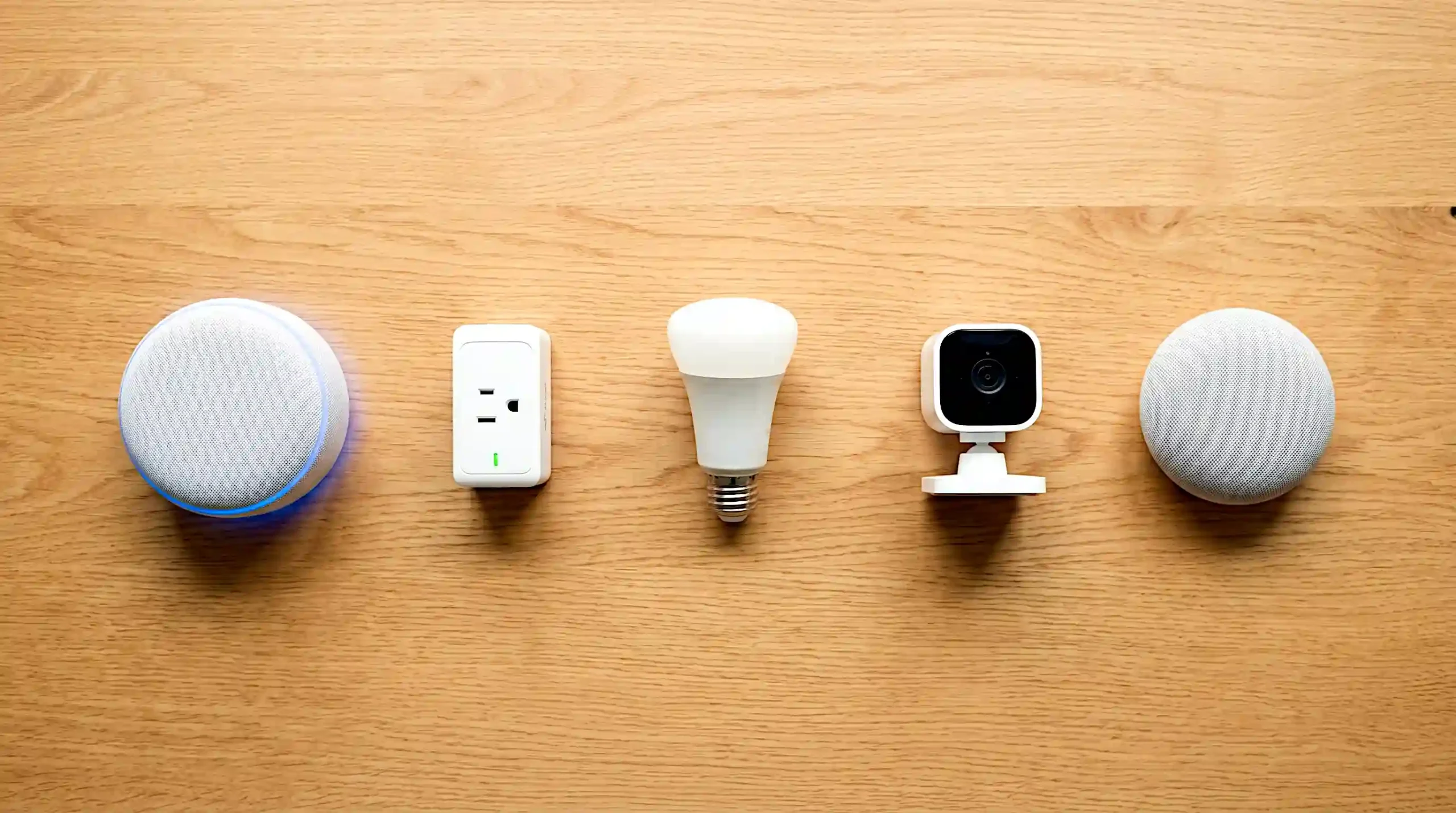
Simply put, a smart home is a home where everyday devices, lights, plugs, cameras, speakers, connect to the internet and respond to your voice, your phone, or automatic schedules.
That is really all there is to it. No magic. No complex wiring. Just ordinary devices made smarter.
Here is what makes a device “smart”:
- It connects to your home WiFi
- You control it through a smartphone app or voice command
- It can follow schedules you set, like turning lights off at midnight automatically
- It can communicate with other smart devices in your home
Interior technology consultant Amber Dunbar, who has designed connected homes across London and New York, puts it simply: “The biggest myth I encounter is that a smart home requires a full renovation. In reality, you can start with a $15 smart plug and build from there. The technology is genuinely accessible now in a way it was not even three years ago.”
How Much Does a Smart Home Cost? (Honest Budget Breakdown)
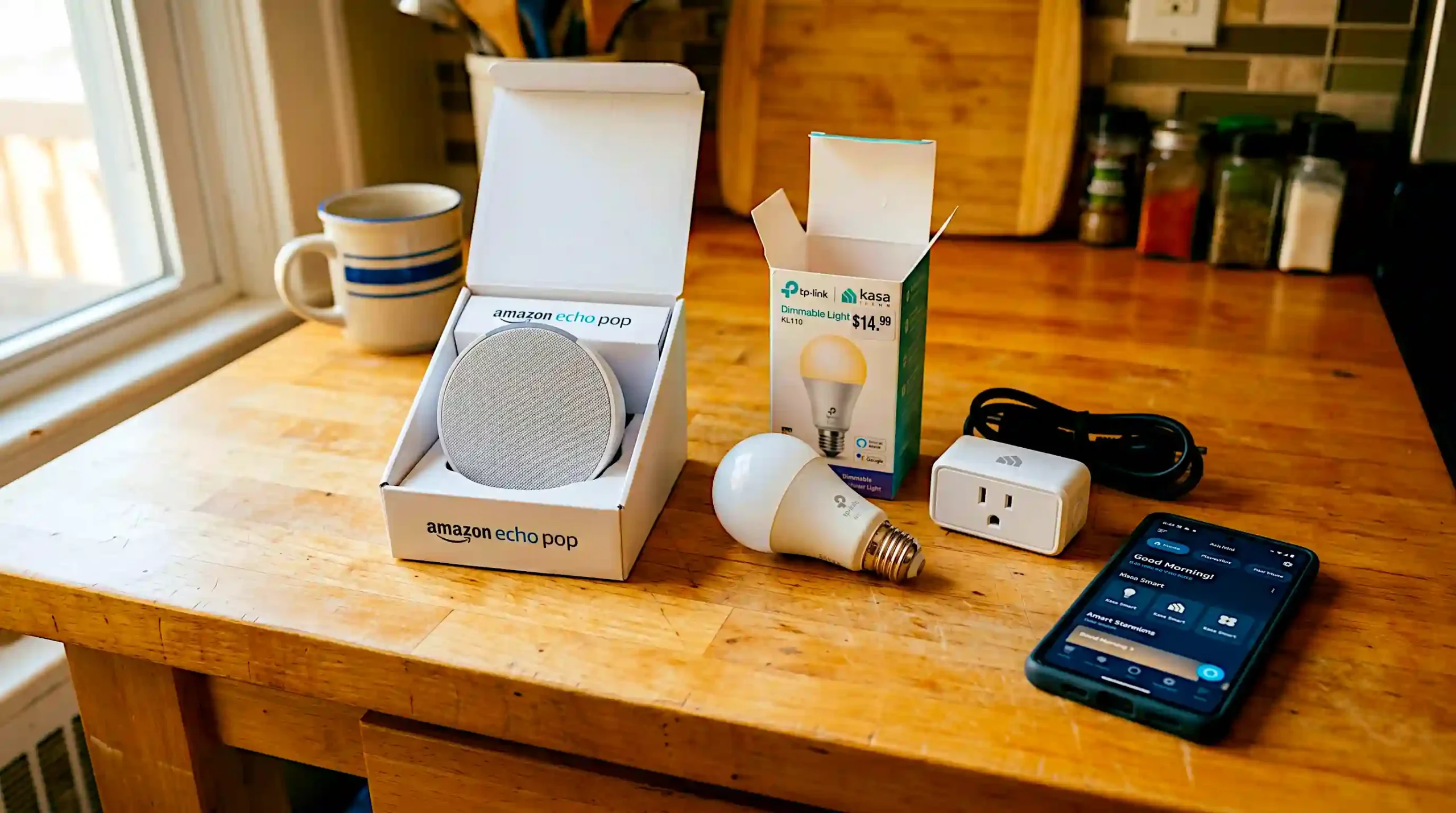
This is the question every beginner asks first. Most articles avoid answering honestly. Here is the truth.
| Budget | What You Can Build | Best For |
|---|---|---|
| Under $50 | Smart speaker + 2 smart bulbs + 1 smart plug | Absolute beginners, testing the water |
| $50 to $100 | Starter kit with speaker, bulbs, plug, and basic security camera | Most beginners, best starting point |
| $100 to $200 | Full setup with security, lighting, entertainment, and gadgets | Those ready to commit to a smart home |
| $200 to $500 | Professional-level setup with smart locks, thermostat, and multi-room audio | Upgrade path after the basics are in place |
The good news is that your smart home setup for beginners does not need to happen all at once. Most people start with one or two devices, get comfortable with the ecosystem, and add more over time. That is actually the recommended approach, and it is how experienced smart home users build their setups.
Step 1, Choose Your Ecosystem: Alexa vs Google Home vs Apple HomeKit
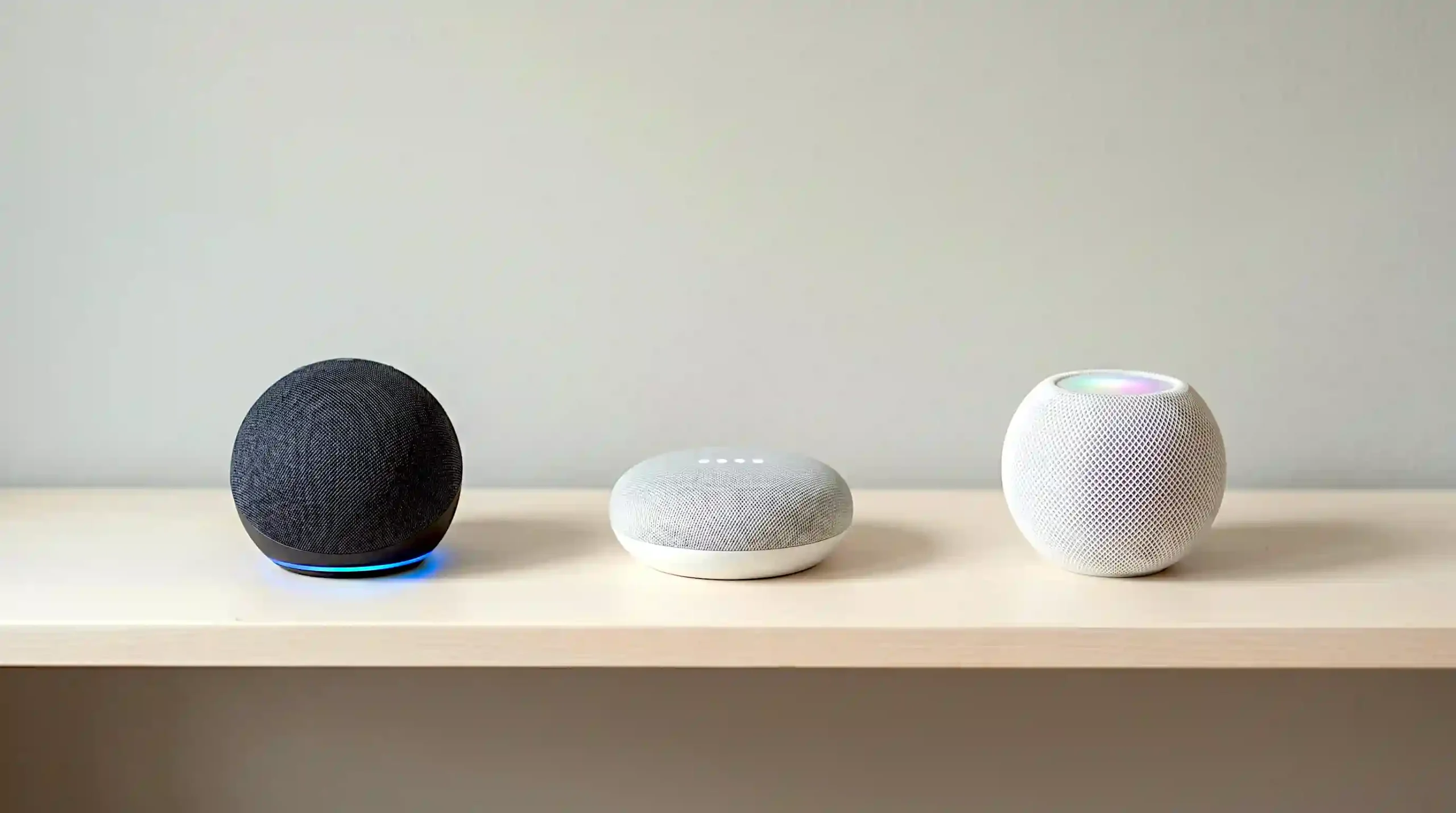
Before you buy a single device, you need to make one decision. Which smart home ecosystem will you use?
Think of an ecosystem as the language your smart devices speak. All your devices should speak the same language, otherwise they will not work together smoothly.
The three main options in 2026 are Amazon Alexa, Google Home, and Apple HomeKit. Here is an honest comparison for beginners.
| Feature | Amazon Alexa | Google Home | Apple HomeKit |
|---|---|---|---|
| Best entry device | Echo Dot ($50) | Nest Mini ($100) | HomePod mini ($99) |
| Works best if you use | Amazon services | Google / Android | iPhone / iPad / Mac |
| Device compatibility | Widest range | Very wide | Narrower but growing |
| Voice assistant quality | Good | Excellent | Excellent |
| Privacy controls | Moderate | Moderate | Strongest |
| Budget-friendliness | Best | Good | Moderate |
| Best for beginners in | US, UK, Canada | US, UK, Europe | Apple households |
Smart home designer Jasper Vos, based in Amsterdam and known for his work with mid-range residential smart systems across Europe, recommends this approach: “For most beginners in 2026, Alexa is the easiest entry point purely because of the number of compatible devices and the lower starting price. However, if your household already lives in the Apple or Google ecosystem, stay there. Switching is genuinely painful.”
His advice is consistent across the industry. Choose the ecosystem that matches the phone in your pocket, this single choice shapes your entire smart home setup for beginners journey.
Furthermore, in 2026 the Matter protocol (covered later in this guide) is making this decision slightly less permanent, but for beginners, pick one and commit to it first.
Step 2, Smart Security: Cameras, Locks, and Doorbells for Beginners
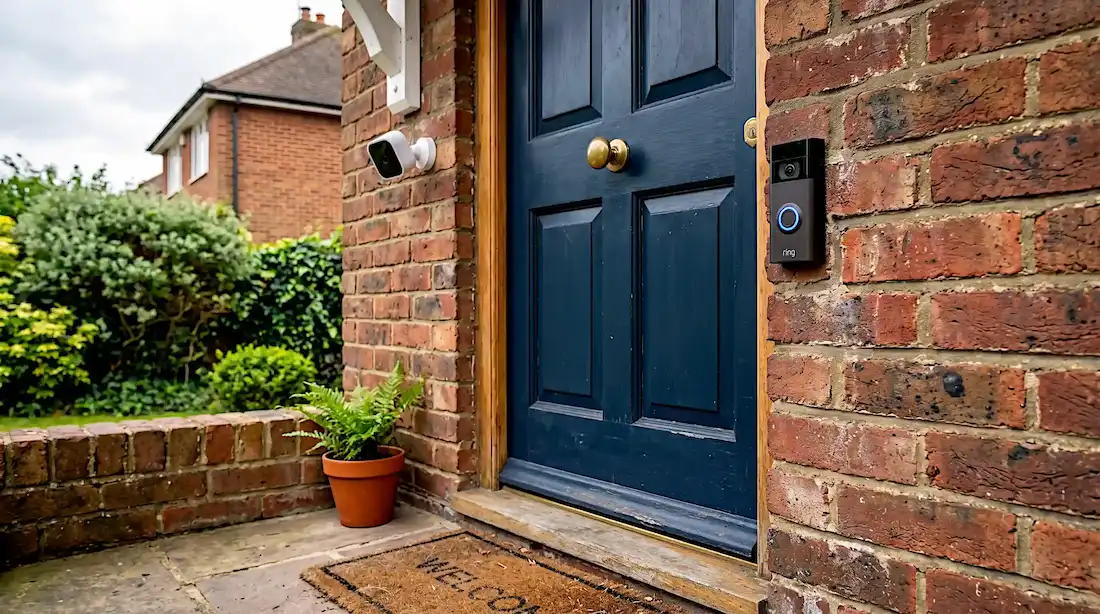
Smart security is usually the first category that motivates people exploring a smart home setup for beginners. Fortunately, it is also one of the most affordable and renter-friendly categories in 2026.
Smart Security Cameras
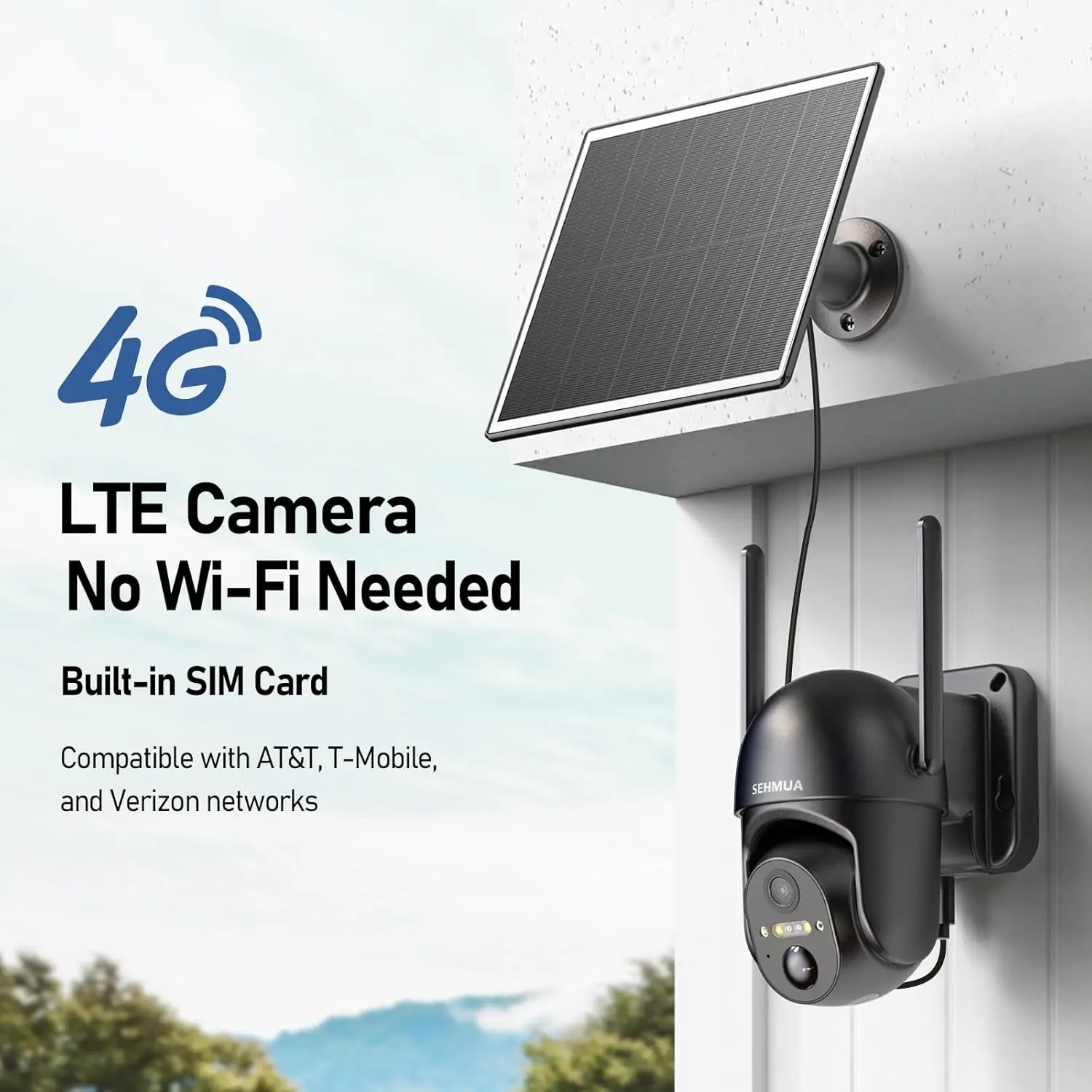
For most people following a smart home setup for beginners plan, a basic indoor or outdoor security camera makes the best first security purchase. Here is what to look for:
- 1080p resolution minimum (most budget cameras now offer 1080p)
- Night vision built in
- Motion detection with phone alerts
- Cloud or local storage for footage
- Two-way audio so you can speak through the camera
Best budget pick (US/Canada): Blink Mini 2 at $35, compact, plug-in, works with Alexa, no monthly fee required for basic use.
Best budget pick (UK/Europe): Tapo C210 at £30 / €35, 3MP resolution, pan and tilt, works with both Alexa and Google, no subscription required.
Video Doorbells
A smart video doorbell lets you see, hear, and speak to anyone at your front door from anywhere in the world using your smartphone.
Best for beginners: Ring Video Doorbell Wired at $60 in the US or £55 in the UK. It requires existing doorbell wiring but produces sharp 1080p video, has excellent night vision, and integrates seamlessly with Alexa.
Renter-friendly option: Ring Battery Doorbell at $100, no wiring required, runs on a rechargeable battery. Suitable for renters who cannot access existing doorbell wiring.
Smart Door Locks
Smart door locks replace your existing deadbolt and let you lock and unlock your door via app, voice, or a keypad code.
The Yale Assure Lock 2 at $130 (US) or £120 (UK) is the most recommended beginner lock in 2026. It fits standard door preparations, requires no key, and integrates with all three major ecosystems.
Important note for renters: Always check your tenancy agreement before installing a smart lock. Most landlords in the UK and Europe require written permission for lock changes, even temporary ones.
Step 3, Smart Lighting: Bulbs vs Switches (Which to Buy First)
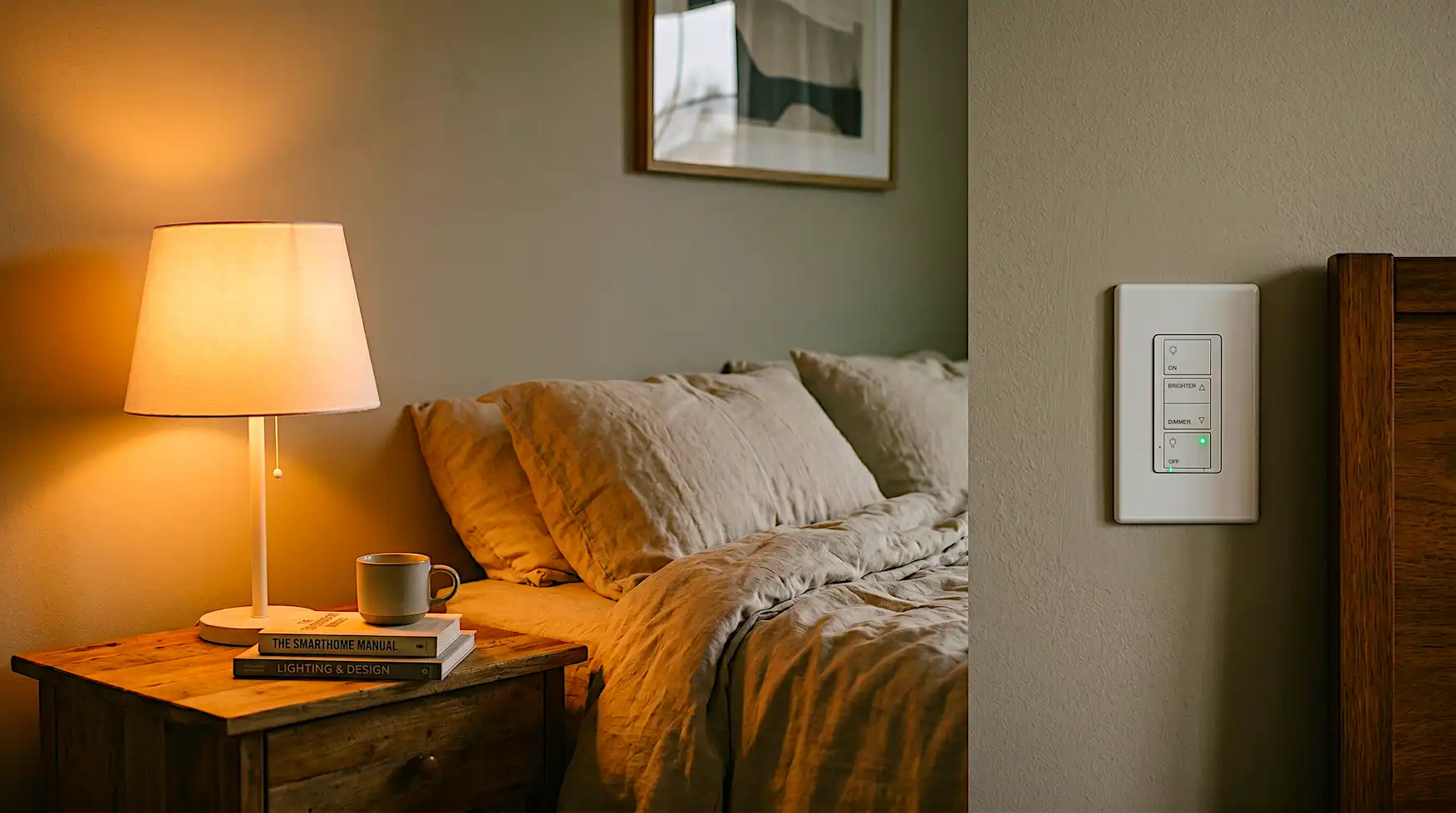
Smart lighting is where most smart home setup for beginners journeys truly begin, it has the lowest barrier to entry of all categories. A single smart bulb costs as little as $8 and requires no installation beyond screwing it in. It is genuinely the best place for most beginners to start.
However, there is a choice to make upfront.
Smart Bulbs, Best for Beginners
Smart bulbs replace your existing light bulbs. They screw directly into standard fittings and connect to your WiFi or a bridge.
Advantages:
- No electrician needed
- Fully renter-friendly
- Start from $8 per bulb
- Individual room or even lamp-level control
Best picks for 2026:
- Philips Hue White at $15 per bulb (US/UK/Europe), the most reliable and widely compatible smart bulb available
- Govee Smart Bulbs at $8 per bulb (US/Canada), excellent budget option, works with Alexa and Google
- IKEA TRADFRI at £7 per bulb (UK/Europe), available in-store across Europe, reliable and affordable
Smart Switches, Better for Whole-Room Control
Smart switches replace your existing wall switch and make every bulb on that circuit smart, even ordinary non-smart bulbs.
Advantages:
- Control an entire room with one device
- Works with any standard bulb
- Family members can still use the physical switch normally
- More cost-effective for rooms with many light fittings
Best pick: Kasa Smart Dimmer Switch EP25 at $22 (US), works with Alexa and Google, no hub required, installs in a standard wall box.
UK/Europe equivalent: Tapo Smart Switch S210 at £18 / €20, widely available and hub-free.
Interior lighting designer Fiona Cresswell, who has specified smart lighting systems for residential projects across London, Edinburgh, and Toronto, offers this clear guidance: “I always tell clients to start with smart bulbs in the two or three rooms they use most. Once you experience the convenience of voice-controlled and scheduled lighting, the rest of the house follows naturally. Switches come later, for rooms with multiple fittings.”
Step 4, Smart Entertainment: Speakers, TVs, and Streaming
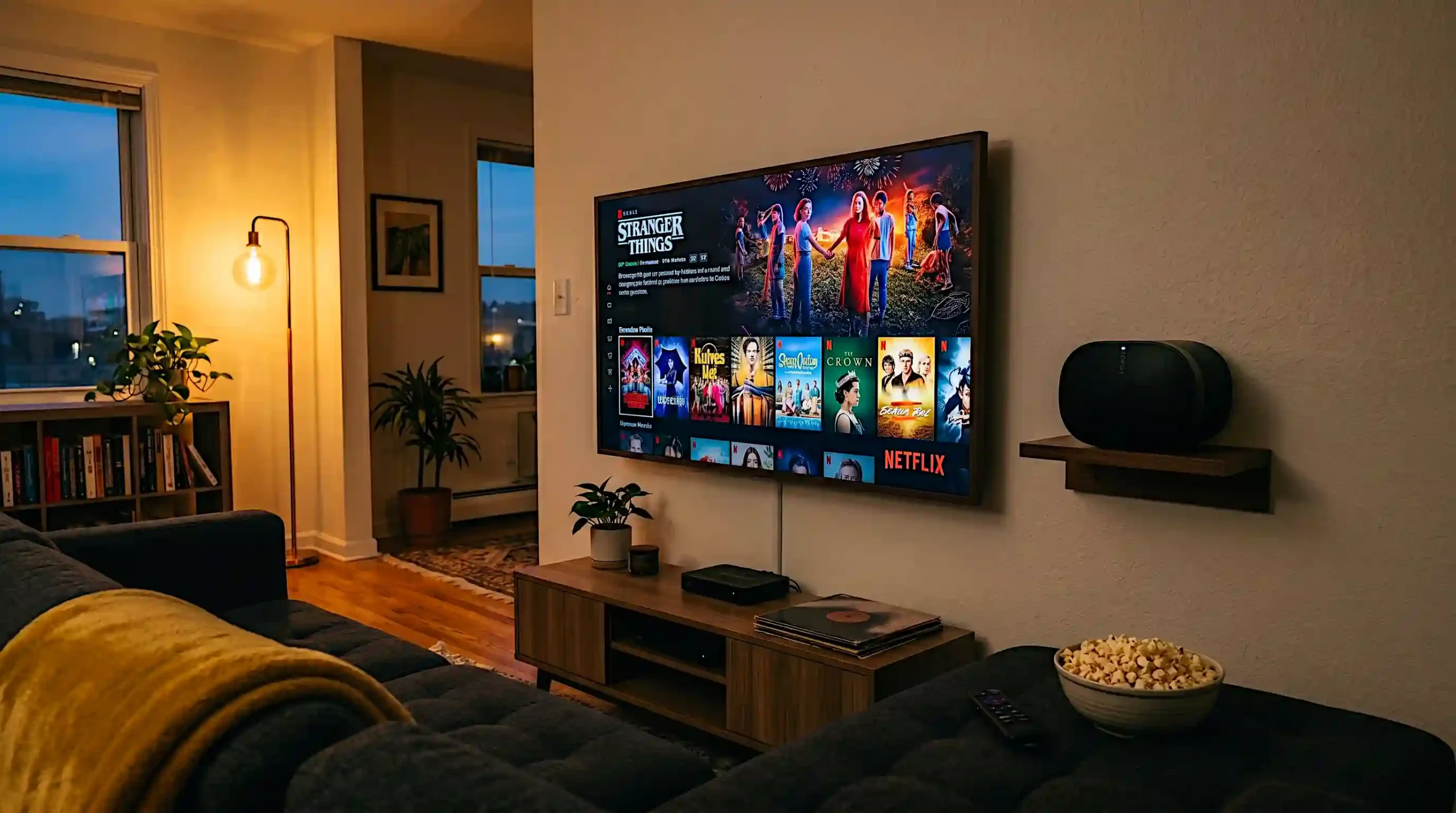
Smart entertainment devices are often the most enjoyable part of any smart home setup for beginners, and many people already own one without realising it counts.
Smart Speakers, Start Here
A smart speaker is both your voice control hub and your entertainment device. It plays music, answers questions, controls your other smart devices, and acts as the brain of your setup.
| Smart Speaker | Price | Best For | Ecosystem |
|---|---|---|---|
| Amazon Echo Pop | $40 | Budget beginners | Alexa |
| Amazon Echo Dot 5th Gen | $50 | Most beginners | Alexa |
| Google Nest Mini | $100 | Google/Android users | Google Home |
| Apple HomePod mini | $99 | Apple households | HomeKit |
| Sonos Era 100 | $249 | Audio quality priority | Multi-ecosystem |
For most beginners, the Amazon Echo Dot 5th Gen at $50 is the best starting point in the US, UK, and Canada. It sounds noticeably better than its predecessor, supports spatial audio, and acts as a Zigbee hub, meaning it can connect to smart bulbs and other Zigbee devices without a separate bridge.
Smart TVs
In 2026, most TVs sold above $300 are smart TVs. If you have bought a TV in the last four years, you almost certainly already own one.
If you need a new TV, look for models running Google TV or Amazon Fire TV operating systems. Both integrate cleanly with smart home ecosystems and support voice control from a paired smart speaker.
The TCL 55-inch S5 Series at $280 (US) and the Hisense 55A6K at £350 (UK) are consistently recommended beginner smart TVs that deliver strong picture quality without premium pricing.
Smart Streaming Devices
If your existing TV is not smart, a streaming stick converts it instantly.
- Amazon Fire TV Stick 4K at $50, best for Alexa households
- Google Chromecast with Google TV at $50, best for Google households
- Apple TV 4K at $129, best for Apple households with the strongest picture quality
Step 5, Must-Have Smart Gadgets Under $30
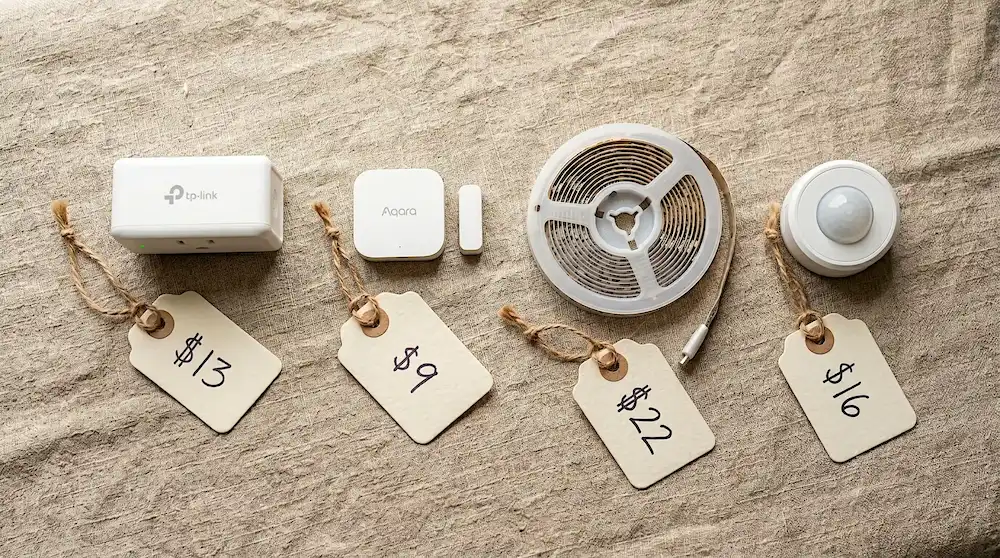
Some of the most useful devices in a smart home setup for beginners cost almost nothing. These are the gadgets that beginner guides frequently overlook, but experienced smart home users rate as their most-used purchases.
- Smart plug ($8 to $15): Turns any ordinary lamp, fan, or appliance into a smart device controllable by app or voice. The TP-Link Kasa EP10 at $8 is the most recommended budget option in the US and Canada. The Tapo P100 at £8 is its UK and European equivalent.
- Smart motion sensor ($9 to $20): Triggers automations when it detects movement, for example lights turn on when you enter a room. The Aqara Motion Sensor P1 at $18 is widely compatible and highly reliable.
- Smart door and window sensor ($9 to $15): Sends a phone alert whenever a door or window opens. Useful for security and for automations such as turning off the heating when a window is left open. The Aqara Door and Window Sensor at $9 is the best value option available.
- Smart LED strip ($15 to $25): Adds ambient backlighting behind a TV, under a bed, or along a shelf. The Govee Smart LED Strip at $20 offers 16 million colours, works with Alexa and Google, and can be cut to length.
- Smart energy monitor ($25 to $30): Tracks real-time electricity usage across your home. Particularly useful in the UK and Europe where energy prices remain high. The Shelly EM at €25 is a popular option in Europe.
Smart Home for Renters, 8 Devices That Need Zero Drilling
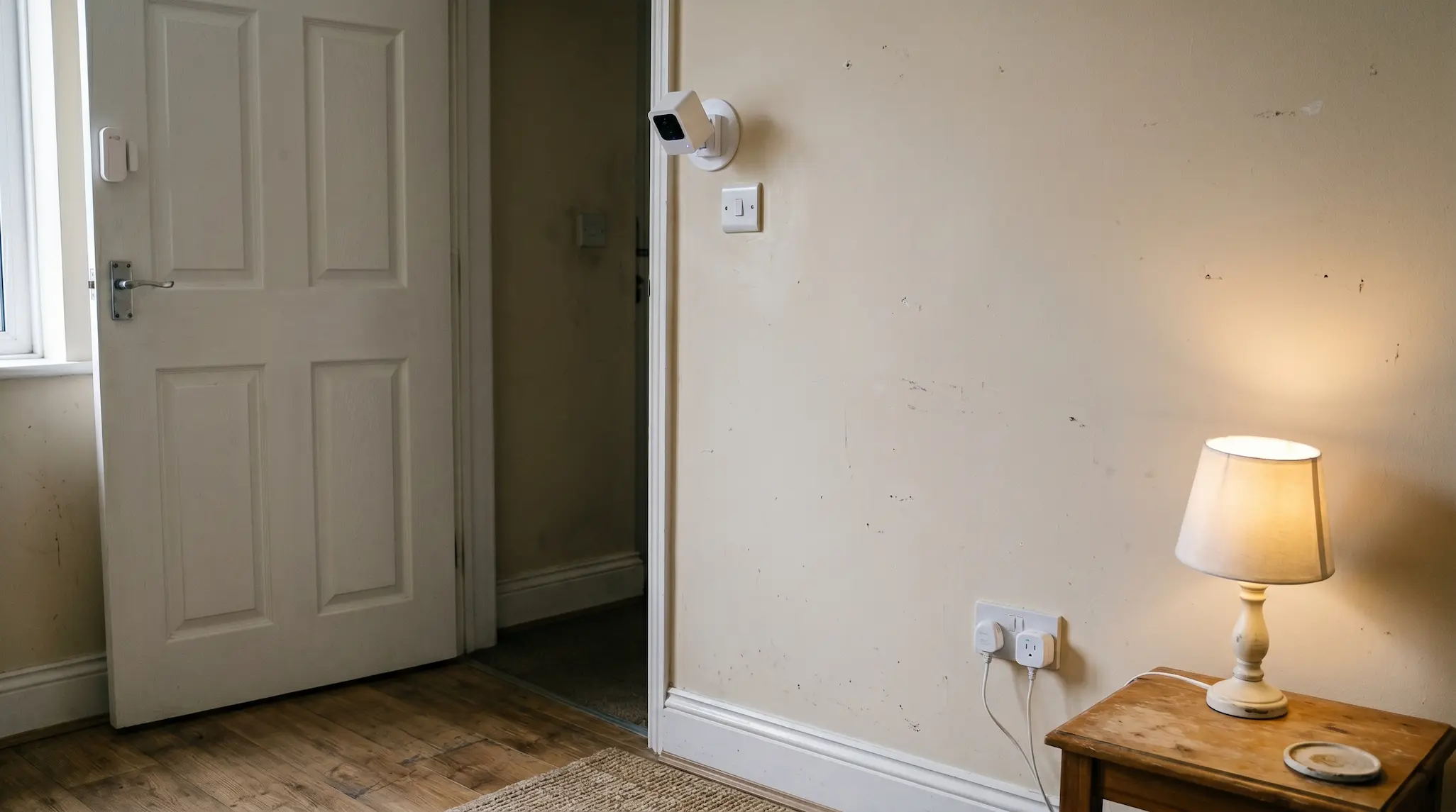
Importantly, renting does not mean missing out on smart home technology. In fact, the majority of smart home devices in 2026 are completely renter-friendly, they use adhesive mounts, existing sockets, or simple battery power with no permanent installation whatsoever.
Here are the eight best smart home devices for renters, all requiring zero drilling and zero landlord permission in most tenancies:
- Smart plug, plugs into any existing wall socket, takes two seconds to install
- Smart bulbs, screw into existing light fittings, zero modification needed
- Battery-powered smart speaker, plug-in or battery, completely portable
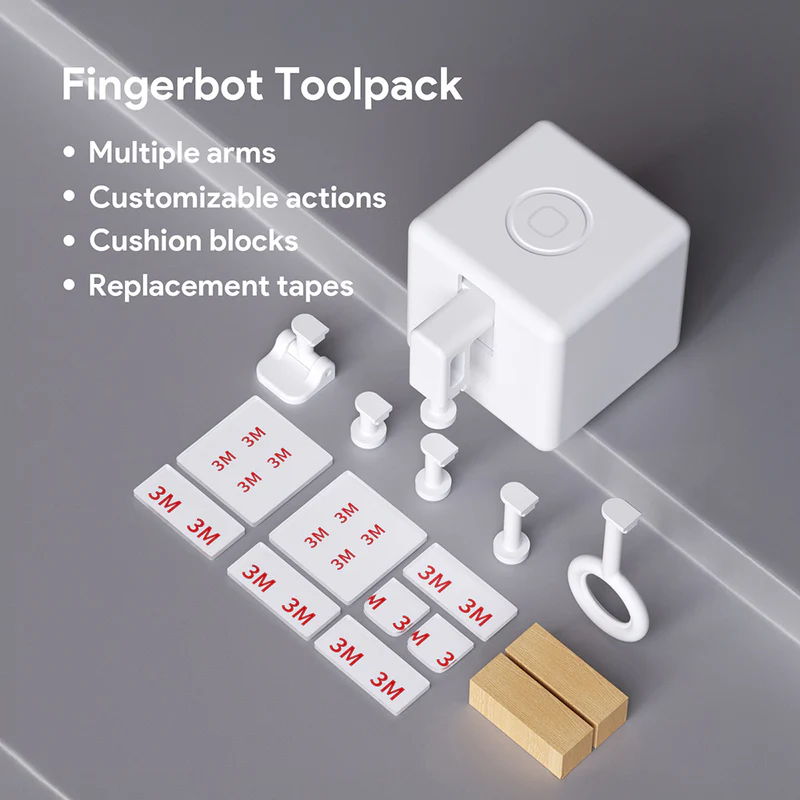
- Adhesive-mount security camera, uses peel-and-stick adhesive pad, leaves no mark on removal
- Adhesive door and window sensor, two-part magnetic sensor, sticks to door frame and door with adhesive strips
- Smart LED strip with adhesive backing, press-and-stick along any surface, peels off cleanly
- Portable smart air purifier, plug-in, app-controlled, no installation
- Battery-powered smart doorbell, suction or adhesive mount, no wiring, no drilling into the door frame
Additionally, the core hub of any smart home setup for beginners like the Amazon Echo Dot sit on any surface and require no fixing at all. Your entire smart home can be packed into two boxes when you move, and set up again in your next home within an hour.
What Is Matter? (Explained in Plain English)
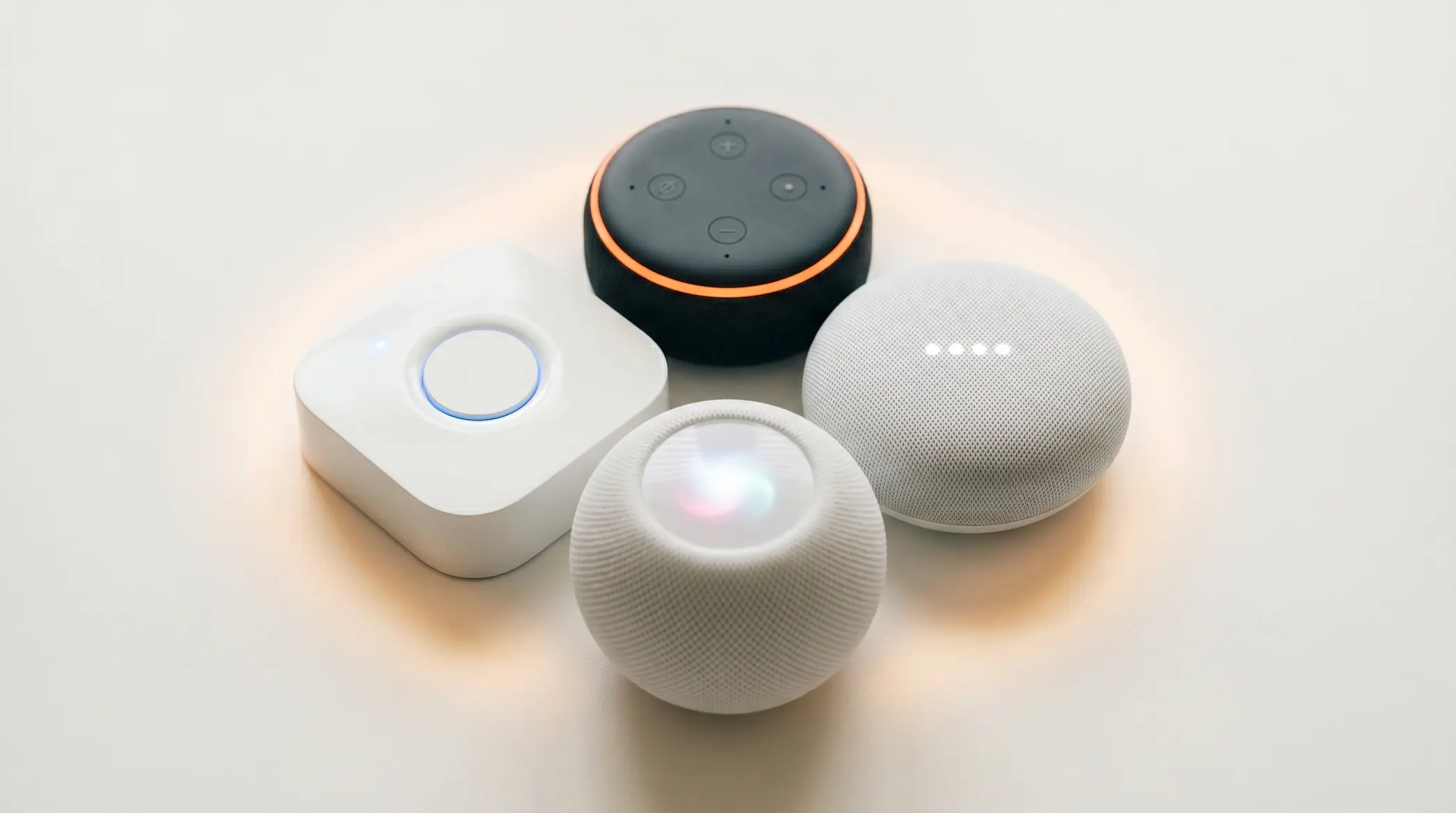
Without doubt, Matter is the most important protocol development in smart home setup for beginners to understand of the last decade. Almost no beginner guide explains it clearly. Here is what it actually means for you.
The old problem: Before Matter, buying a smart device from one brand often meant it only worked with one ecosystem. A device that worked with Alexa might not work with Google Home. Consumers were locked into single ecosystems and had to check compatibility before every purchase.
What Matter changes: Matter is a universal smart home standard created jointly by Apple, Google, Amazon, and over 200 other technology companies. A device that carries the Matter certification works with all three major ecosystems simultaneously: Alexa, Google Home, and Apple HomeKit, without any compatibility issues.
What this means for you as a beginner in 2026:
- Buying a Matter-certified device means it will work regardless of which ecosystem you choose
- You can mix Amazon and Apple devices in the same home without problems
- If you switch ecosystems in the future, your Matter devices switch with you
In 2026, Matter-certified devices are widely available across all categories. Look for the Matter logo on packaging when buying any new smart home device. Major retailers across the US, UK, Canada, and Europe now prominently label Matter-compatible products.
As a practical note worth remembering, Thread is the wireless protocol that Matter uses for the fastest and most reliable device communication. If you see “Matter over Thread” on a product, it represents the highest tier of smart home device performance currently available.
Complete Starter Kit by Budget: Exactly What to Buy
Here is a concrete smart home setup for beginners buying guide at three budget levels. Every recommendation in this section is available in the US, UK, Canada, and across Europe in 2026.
Starter Kit: $50 to $75 (Best First Step)
| Device | Product | Price |
|---|---|---|
| Smart speaker | Amazon Echo Pop | $40 |
| Smart bulb x2 | Govee Smart Bulbs | $16 |
| Smart plug | TP-Link Kasa EP10 | $8 |
| Total | $64 |
This starter kit is the simplest possible smart home setup for beginners. It gives you voice control, smart lighting in two rooms, and the ability to schedule any appliance. It is a genuine smart home, not a gimmick.
Starter Kit: $100 to $150 (Most Popular)
| Device | Product | Price |
|---|---|---|
| Smart speaker | Amazon Echo Dot 5th Gen | $50 |
| Smart bulbs x4 | Philips Hue White Starter Kit | $45 |
| Smart plug x2 | TP-Link Kasa EP10 | $16 |
| Security camera | Blink Mini 2 | $35 |
| Total | $146 |
This is the recommended starting point for most beginners. It covers voice control, lighting in four rooms, smart plugs for two appliances, and basic indoor security. For UK readers, swap the Echo Dot for the UK version at £55 and the Blink Mini for the UK equivalent at £30.
Starter Kit: $200 to $250 (Full Beginner Setup)
| Device | Product | Price |
|---|---|---|
| Smart speaker | Amazon Echo Dot 5th Gen | $50 |
| Smart bulb starter kit | Philips Hue White 4-pack | $45 |
| Smart plug x2 | TP-Link Kasa EP10 | $16 |
| Video doorbell | Ring Battery Doorbell | $100 |
| Motion sensor | Aqara Motion Sensor P1 | $18 |
| Smart LED strip | Govee Smart LED Strip | $20 |
| Total | $249 |
This kit builds a comprehensive smart home setup for beginners covering security, lighting, entertainment control, and basic automation. The slight overage from $200 is worth it for the video doorbell alone.
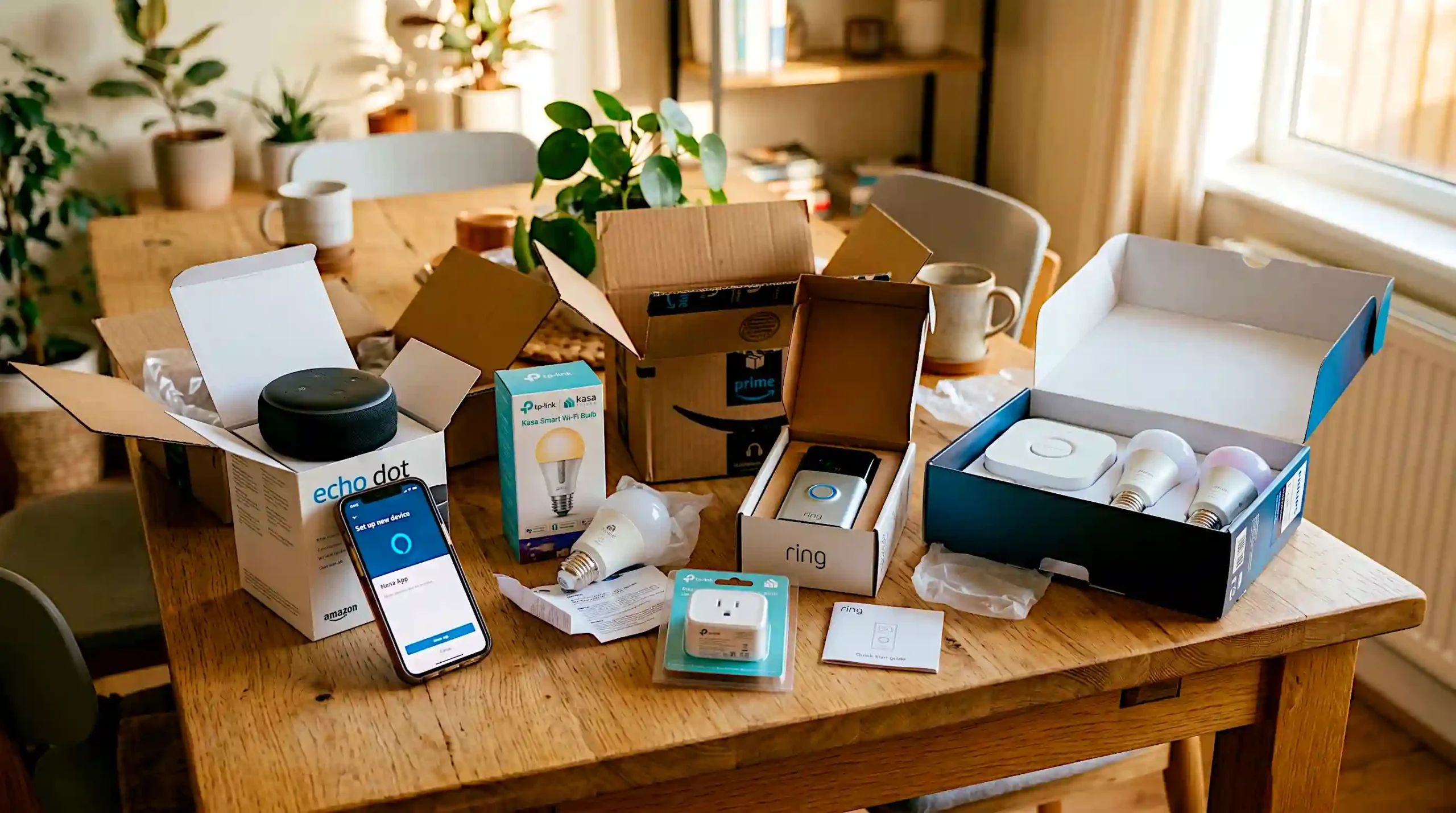
- Frequently Asked Questions
Yes, especially at the budget level. A smart home setup for beginners delivers genuine daily convenience from day one. A $50 investment in a smart speaker and two smart bulbs delivers genuine daily convenience through voice control, schedules, and energy savings. Most beginners who start small expand their setup within three months because the value is immediately obvious.
Not necessarily. Many smart home devices in 2026 connect directly to your home WiFi without a separate hub. However, Philips Hue bulbs work best with their bridge hub, and Zigbee devices require either a dedicated hub or a compatible smart speaker like the Amazon Echo Dot 5th Gen which has a built-in Zigbee hub.
Absolutely. The majority of smart home devices require no drilling or permanent installation. Smart plugs, battery-powered cameras with adhesive mounts, smart bulbs, peel-and-stick door sensors, and battery-powered speakers all work perfectly in rented properties across the US, UK, Canada, and Europe.
The easiest smart home setup for beginners uses Amazon Echo devices with the Alexa app. The app is straightforward, device compatibility is the widest in the market, and entry-level devices like the Echo Pop start at $40. The setup process for a basic smart home takes under 30 minutes.
One of the most common questions in any smart home setup for beginners guide is compatibility. Look for the logos on product packaging. Amazon Alexa, Google Home, and Apple HomeKit all have distinct logos that manufacturers display on packaging and product listings. Alternatively, look for the Matter logo, any Matter-certified device works with all three ecosystems simultaneously.
No, in most cases it reduces them. Smart plugs eliminate standby power waste. Smart thermostats (like the Google Nest Thermostat at $130) typically save US households $145 per year according to Google’s own published data. Smart lighting schedules prevent lights being left on unnecessarily. The energy savings often offset the device cost within six to twelve months.
These are three different wireless communication protocols that smart devices use. WiFi devices connect directly to your router, easy to set up but can slow your network with many devices. Zigbee and Z-Wave devices form their own local mesh network, which is faster and more reliable for large smart home setups. For beginners, start with WiFi devices and move to Zigbee later if you expand significantly.
This is a legitimate concern. Amazon, Google, and Apple all collect varying amounts of usage data from smart home devices. Apple HomeKit offers the strongest privacy controls of the three platforms. For all ecosystems, use strong unique passwords, enable two-factor authentication on your account, and keep device firmware updated regularly. The UK’s National Cyber Security Centre (NCSC) and the US Cybersecurity and Infrastructure Security Agency (CISA) both publish free smart home security guidelines worth reading.
Recent Posts
How to Hang Heavy Art Without Drilling Holes

Beginner Decorating Mistakes That Age a Room Fast