Room by Room Smart Home Setup Guide (2026): What Actually Works and What to Skip
Written by Hamdaan | Home Tours & Inspiration Curator, 6+ years. (ABOUT US)
The room by room smart home setup is the only approach that actually works. Most beginners buy random devices, end up with three apps, and nothing talks to each other.
This guide fixes that. Real costs, honest picks, and zero fluff.
Pick your ecosystem first: everything else depends on it
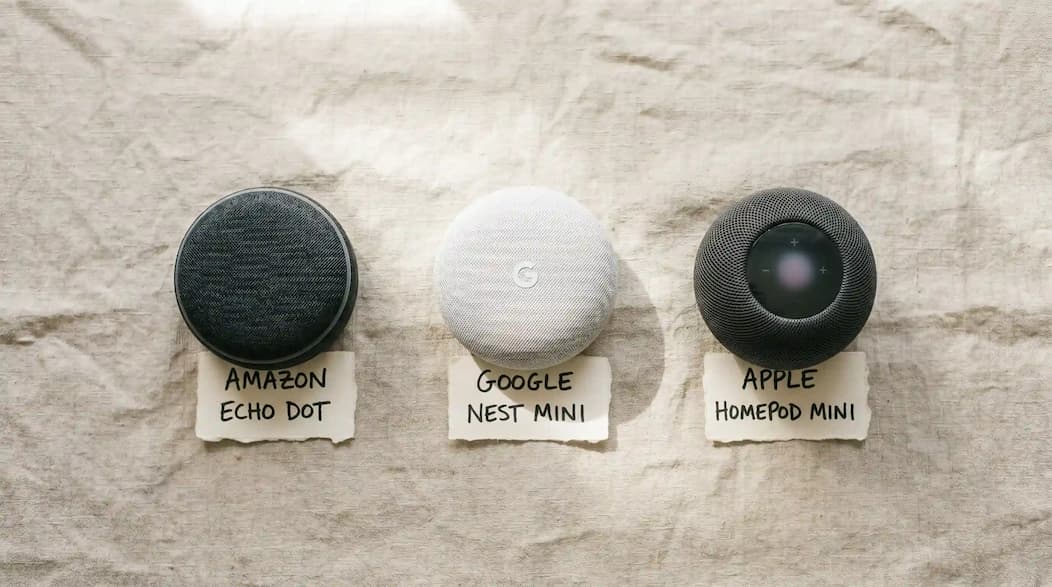
Before buying anything, choose one platform:
- Amazon Alexa: best for beginners, widest device support, cheapest entry point
- Google Home: best if you already use Nest or Chromecast products
- Apple HomeKit: best for iPhone households that want maximum privacy
Jasper Vos, smart home systems consultant, puts it plainly: “Choose your ecosystem once and build seriously inside it. Moving platforms later means rebuilding every automation from scratch.”
One rule to remember: Look for the Matter logo on every device you buy. Matter-certified devices work with all three platforms. No compatibility guesswork needed.
Living room setup: start here first
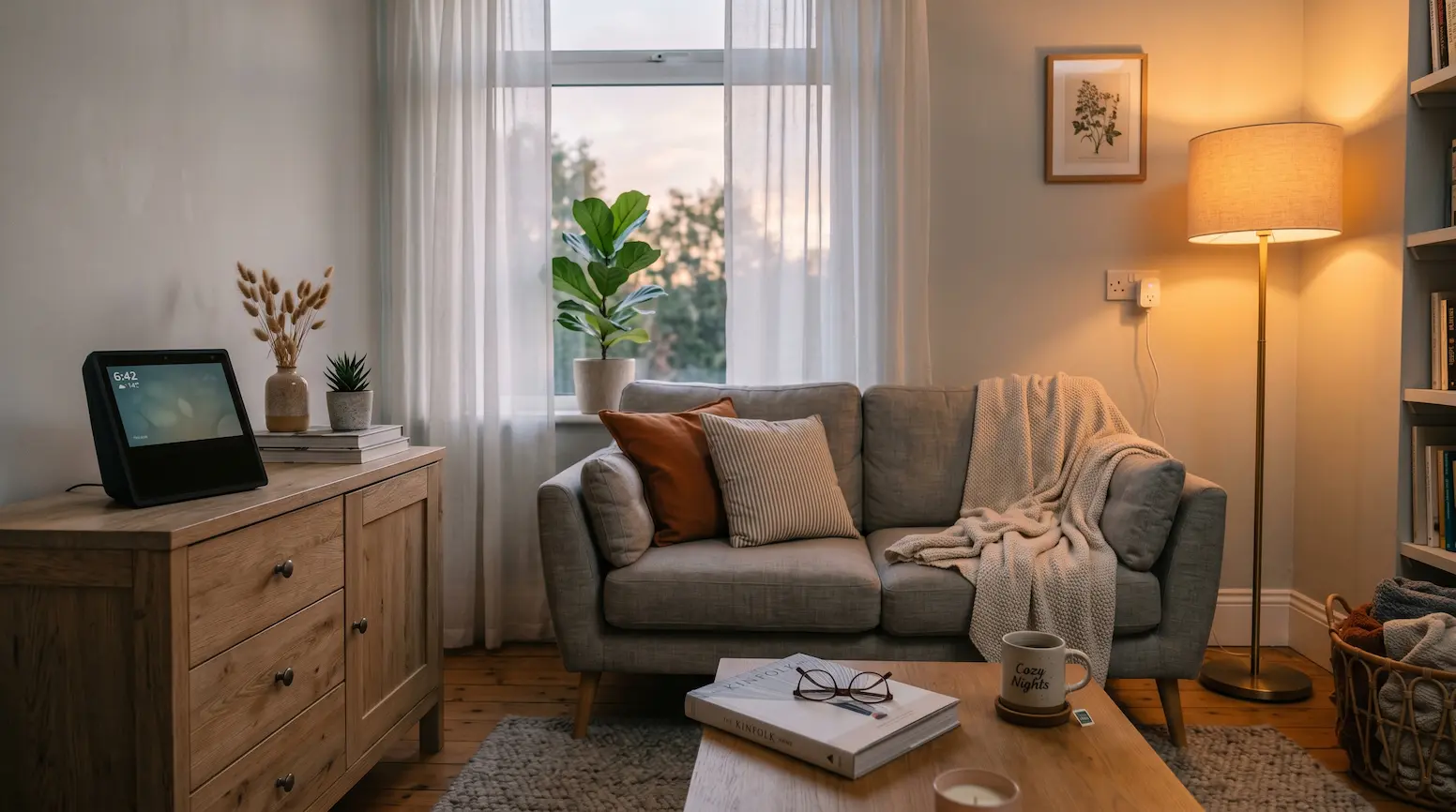
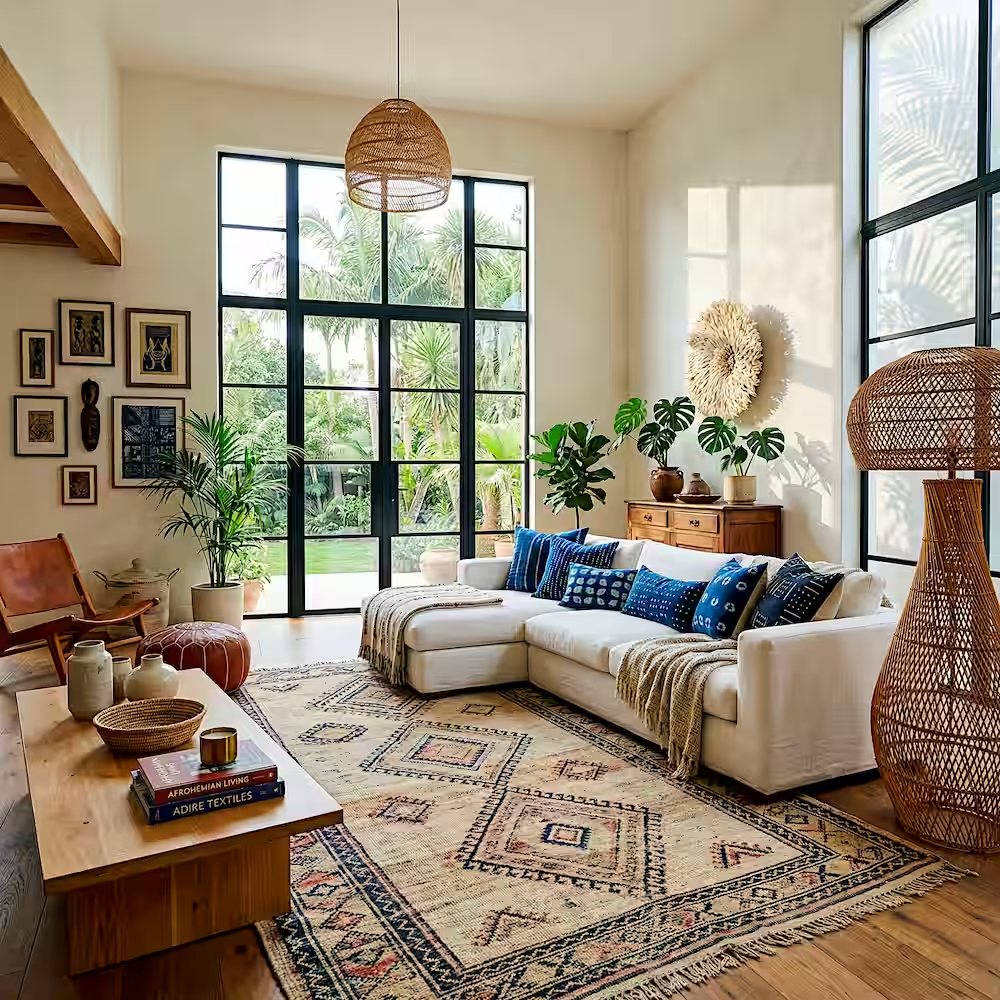
In a room by room smart home setup, the living room gives you the fastest visible results. Three devices do all the work.
Hub speaker: buy this before anything else:
- Echo Dot 5th Gen: $30 to $50 / £28 to £45 (Alexa)
- Nest Hub 2nd Gen: $100 / £89 (Google Home)
- HomePod mini: $99 / £99 (Apple HomeKit)
Smart lighting: the upgrade you notice immediately:
Amber Dunbar, interior lighting designer, explains: “Warm, dimmable light at 2700 Kelvin transforms how a living room feels at night. It costs less than one restaurant dinner to make the switch.”
- Philips Hue White Ambiance starter kit: $70 / £65 (includes bridge + 2 bulbs)
- IKEA TRADFRI bulbs: $10 / £9 each (budget option, fully Matter-certified)
Smart plug: one is enough to start:
- TP-Link Tapo P125M: $8 / £8 (Matter-certified, fits behind most sofas)
Set up this automation on day one:
Create a “Movie time” scene. Lights dim to 20 percent, colour shifts warm amber, TV lamp switches on. One voice command changes the entire room in two seconds. This single automation is what makes sceptics believers.
| Setup level | USD | GBP |
|---|---|---|
| Starter (speaker + 2 bulbs + plug) | $88 | £78 |
| Full setup | $215 | £190 |
Bedroom setup: the room every guide gets wrong
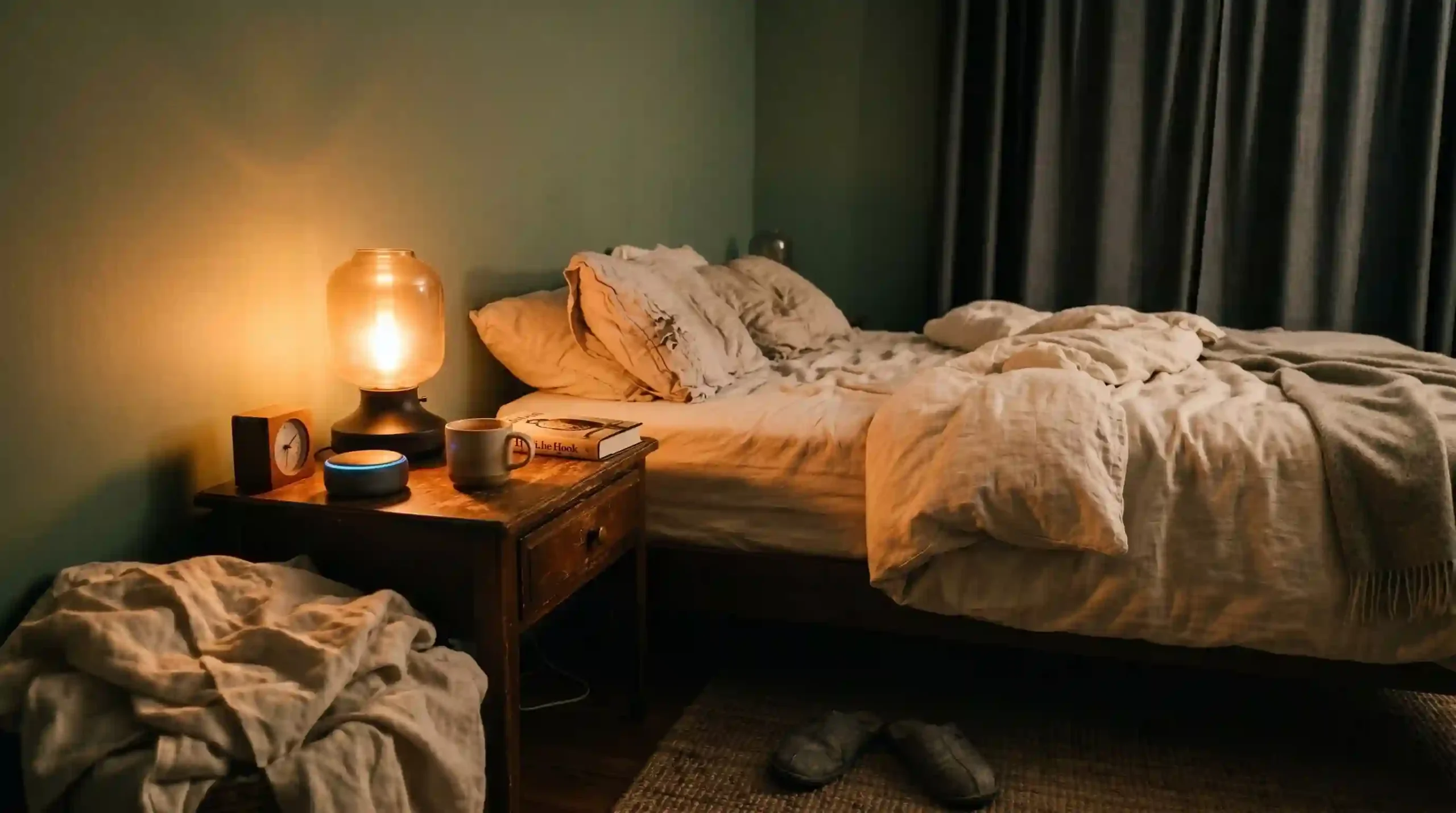
When following a room by room smart home setup, the bedroom is the most underrated room of all. Most guides give it one paragraph about adding a speaker for music. That misses the entire point.
Fiona Cresswell, wellness and home environment specialist, explains: “Circadian lighting in the bedroom is the highest-return smart home upgrade for most adults. Warm, dim light after sunset tells your brain to produce melatonin. Most people wonder why they cannot sleep while sitting under cold white light until 11pm.”
Circadian lighting: know the real difference:
A bulb that turns orange is not a circadian system. You still have to change it manually every evening.
A real circadian system automates the full shift across the day with zero input from you:
- Philips Hue + Natural Light scene: cool white mornings, warm amber from sunset onward
- Nanoleaf Skylight ceiling panel: $200 / £180 (full circadian scheduling built in)
Smart speaker placement:
Echo Dot 5th Gen includes a built-in eero Wi-Fi extender in 2026. If your bedroom is far from the router, this device improves whole-home coverage and provides voice control at the same time.
Skip smart blinds for now:
Lutron Serena shades ($300 to $500 per window / £270 to £450) are excellent but not a beginner purchase. Set up lighting first. Add blinds in year two.
Set up this automation: it changes your mornings:
- 30 minutes before wake-up: lights turn on at 1 percent brightness
- Over 20 minutes: brightness rises slowly to 60 percent
- Colour shifts from warm amber to cool white
- At wake-up time: alarm or morning briefing plays
This is called sunrise simulation. Your body responds to gradual light completely differently to a sudden alarm sound.
| Setup level | USD | GBP |
|---|---|---|
| Starter (Echo Dot + 2 Hue bulbs) | $70 | £62 |
| Full setup | $270 | £240 |
Kitchen setup: two useful devices and a long list of gimmicks
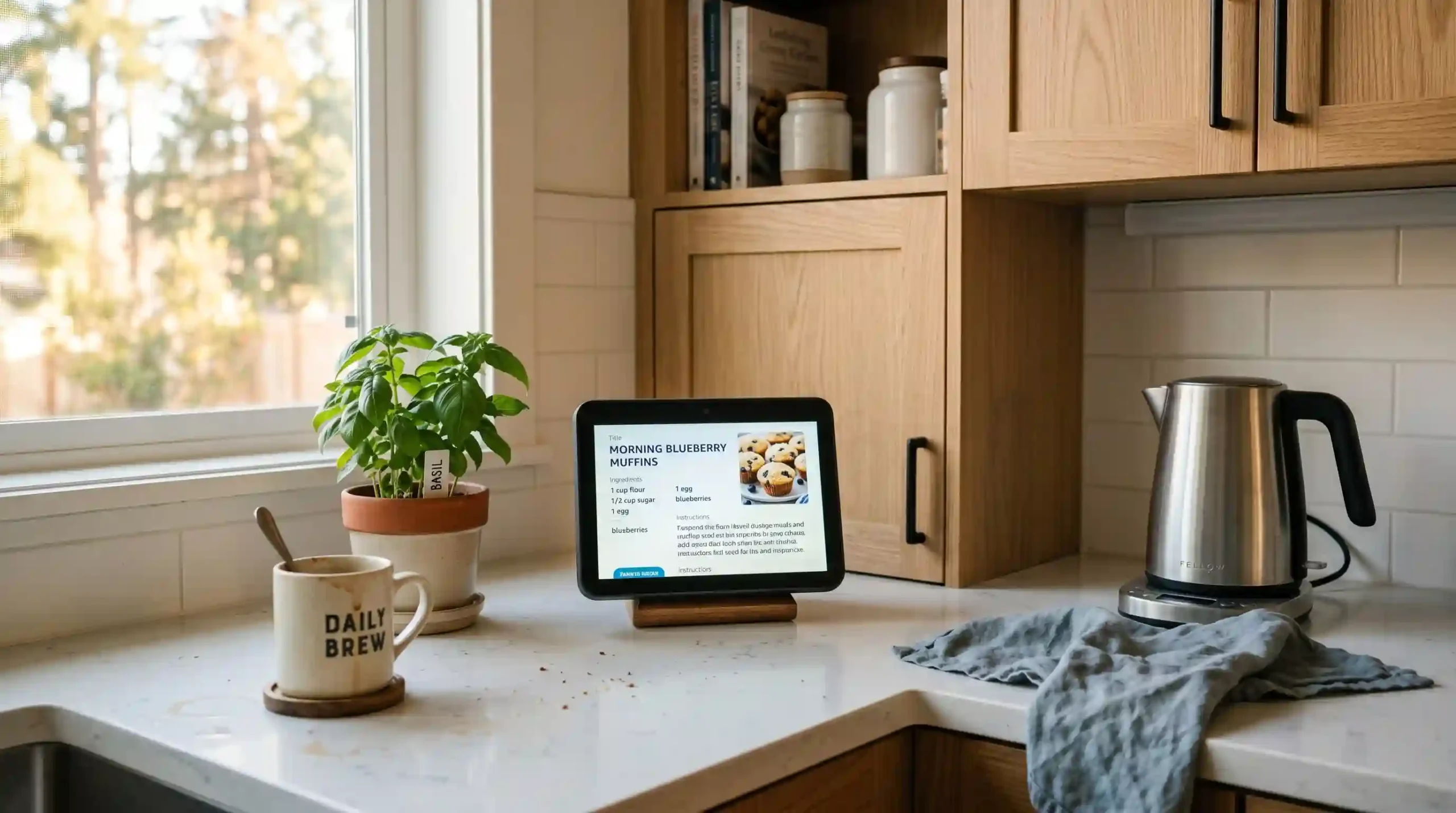
Two devices under $130 / £115 deliver real daily value here. Everything else is marketing.
Smart display: earns its place:
- Echo Show 5: $90 / £80 (hands-free recipes, multiple timers, doorbell alerts from the hob)
- Nest Hub 2nd Gen: $100 / £89 (larger 7-inch screen, better for recipe display)
Smart plug for the coffee maker: highest return per pound in the kitchen:
An $8 / £8 plug and a 7am automation means you wake up to coffee already made. The automation is free. The plug costs less than a coffee shop visit.
Avoid smart appliances for now:
Jasper Vos on connected fridges and ovens: “Most smart kitchen appliances in 2026 still use proprietary apps that do not connect to your main ecosystem. You are paying a £400 premium for a feature you will use twice.”
Samsung Family Hub, LG ThinQ oven: well-made products. Wrong first purchase. Buy the display and the plug. Revisit appliances in six months if you still want them.
| Setup level | USD | GBP |
|---|---|---|
| Starter (Echo Show 5 + plug) | $98 | £88 |
| Full setup | $185 | £165 |
Entryway setup: the room that pays for itself fastest
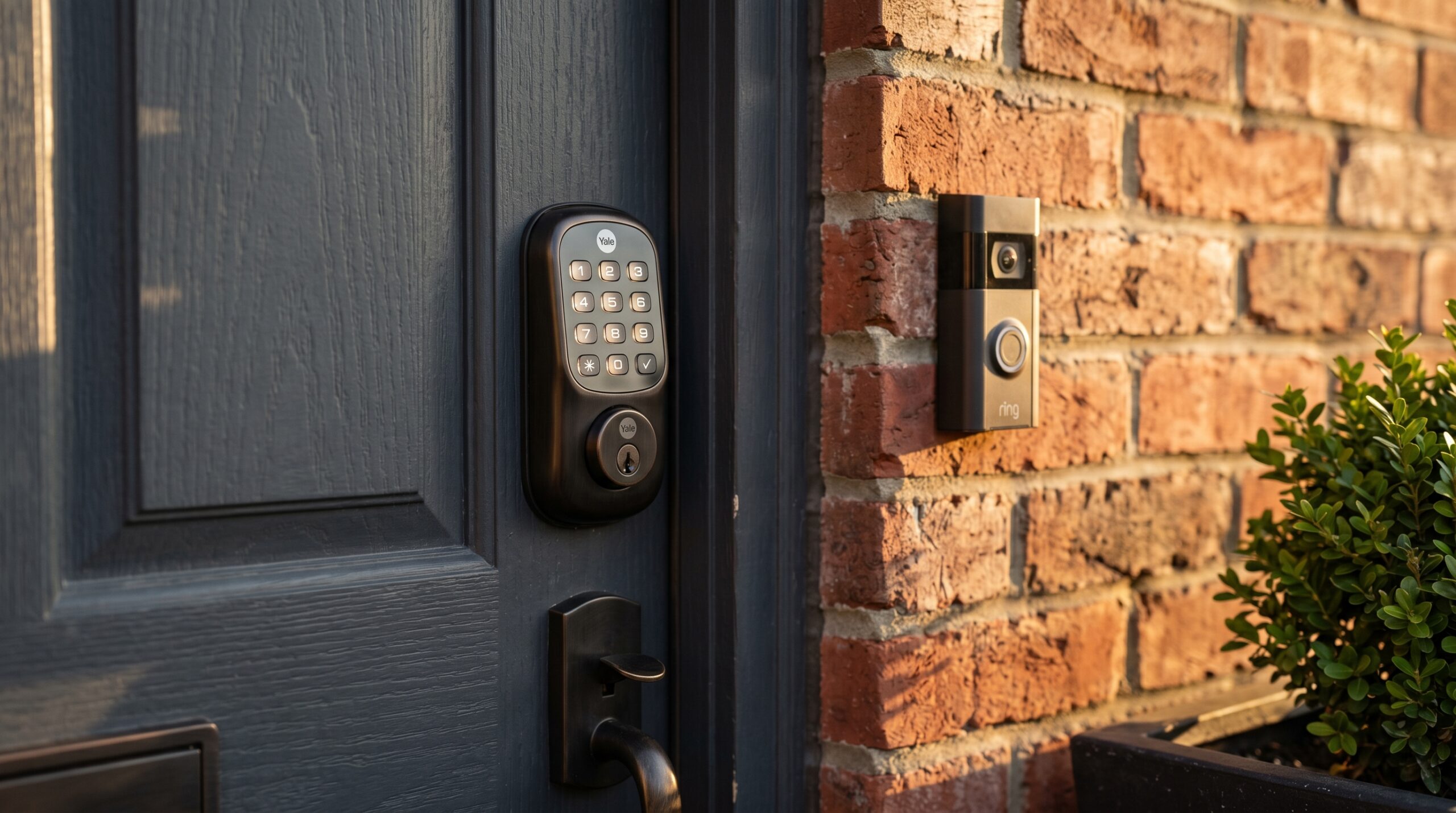
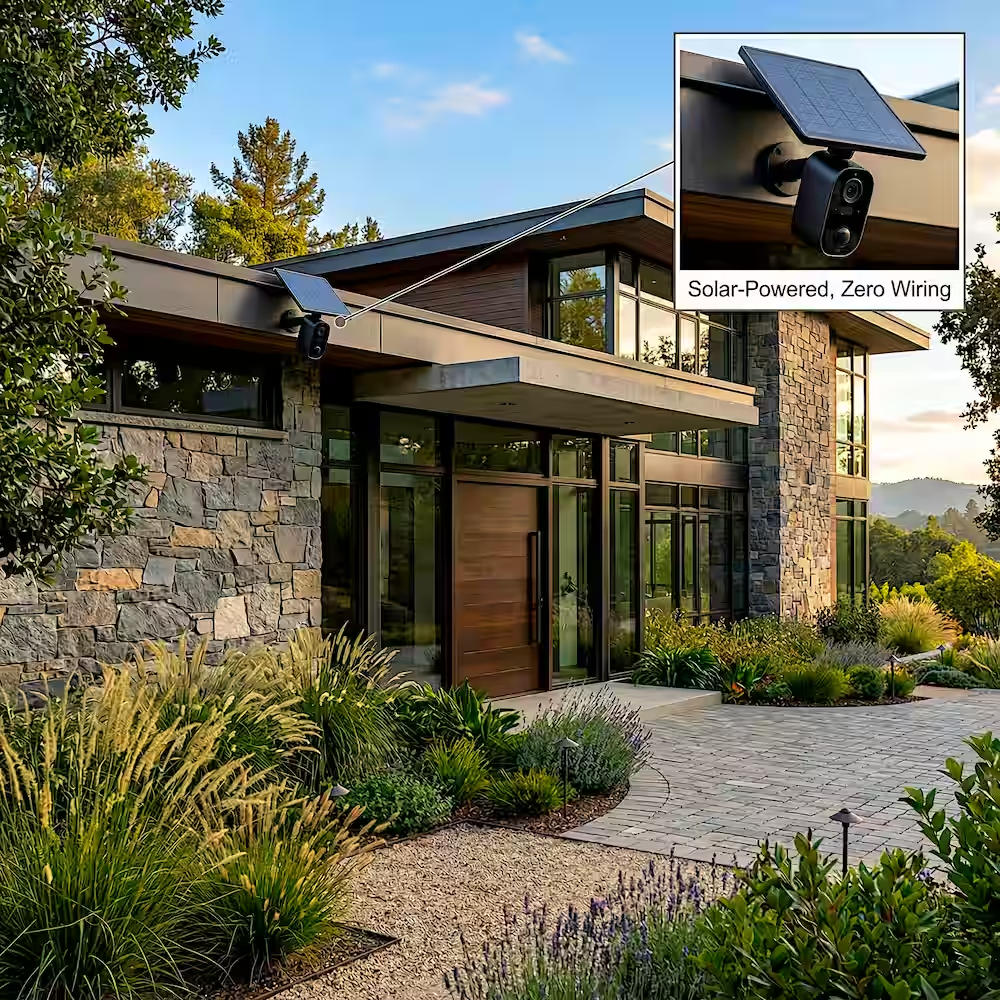
Three devices cover everything you need in this part of your room by room smart home setup: security, keyless entry, and peace of mind every time you leave or arrive home.
Video doorbell: two strong picks:
- Ring Video Doorbell 4: $100 to $230 / £90 to £200 (1080p, colour night vision, widest ecosystem support)
- Google Nest Doorbell Wired 2nd Gen: $180 / £160 (no subscription needed, 3 hours free cloud storage)
Important: Ring requires Ring Protect at $4/month / £3.50/month to save recordings. Factor this into your total cost before buying.
Smart lock: owner vs renter:
For owners:
- Yale Assure Lock SL: $180 / £160 (Matter over Thread, instant response)
- Aqara U300: $150 / £135 (Matter-certified, temporary codes for guests)
For renters:
- Nuki Smart Lock 4.0 Pro: $229 / £199 (fits over existing cylinder, no drilling, no deadbolt replacement needed)
Most tenancy agreements prohibit deadbolt replacement. Check yours before buying any smart lock.
The goodbye routine: the automation that makes everything click:
Trigger it by saying “Goodbye” or when your phone leaves the geofence:
- All lights turn off
- Front door locks
- Thermostat switches to away mode
- Smart speaker confirms everything is done
One phrase replaces a full walk-through of every room. It removes a small but real daily anxiety completely.
| Setup level | USD | GBP |
|---|---|---|
| Starter (Ring + plug) | $115 | £100 |
| Full setup (Ring + Yale + sensor) | $320 | £285 |
Full cost breakdown: what a smart home actually costs room by room
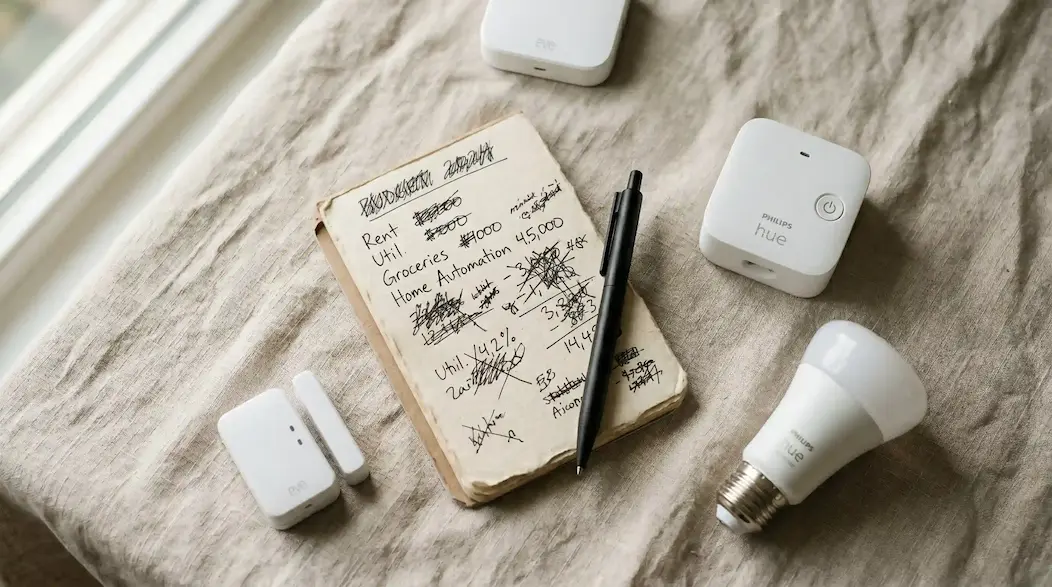
No other room by room smart home setup guide publishes this in one table. Real figures, two budget levels, dual currency.
| Room | Starter USD | Starter GBP | Full USD | Full GBP | Impact |
|---|---|---|---|---|---|
| Living room | $88 | £78 | $215 | £190 | 5/5 |
| Bedroom | $70 | £62 | $270 | £240 | 4/5 |
| Kitchen | $98 | £88 | $185 | £165 | 3/5 |
| Entryway | $115 | £100 | $320 | £285 | 5/5 |
| Total | $371 | £328 | $990 | £880 |
Subscription costs most guides hide:
- Ring Protect Basic: $4/month / £3.50/month
- Google Nest Aware: $8/month / £6/month
- Philips Hue: no subscription ever
- IKEA smart home: no subscription ever
Over three years, the Nest Doorbell costs less than Ring + Protect combined, despite higher upfront hardware cost. Always run the three-year calculation.
Five mistakes most beginners make
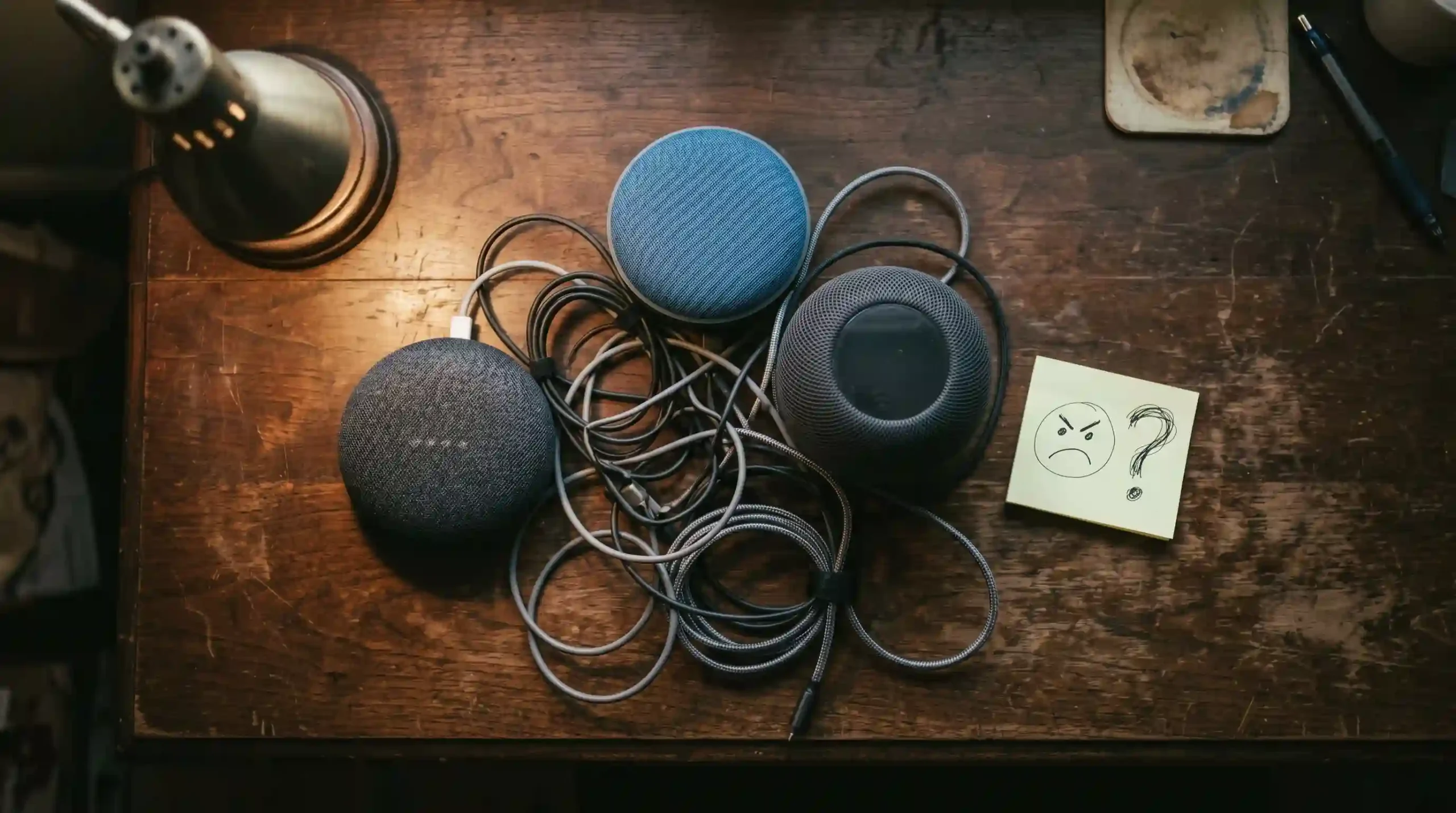
Mistake 1: Buying across three ecosystems.
One sale price should not decide your whole smart home. An Echo in the kitchen, a Nest in the bedroom, and a HomePod in the living room means three separate systems that cannot share automations across rooms.
Mistake 2: Starting with smart appliances.
Smart bulbs and plugs are the foundation. They are cheap, reliable, and produce daily-use automations. A smart oven costs ten times more and gets used twice.
Mistake 3: In any room by room smart home setup, buying Zigbee or Z-Wave without knowing you need a hub is costly.
Zigbee and Z-Wave devices will not connect to your ecosystem without a separate bridge. In 2026, always buy Matter-certified devices. Check for the logo before purchasing.
Mistake 4: Building automations before testing devices manually.
Every device must work on manual control first. Turn it on and off through the app. Only then build routines on top of it. Automations built on unreliable devices are impossible to debug.
Mistake 5: Ignoring subscription costs.
Three $10/month subscriptions add up to $360/year on top of hardware. Check every device for ongoing fees before buying.
What smart home devices save the most energy?
Three devices deliver the real savings in a room by room smart home setup:
- Smart thermostat: Ecobee at $190 / £170 saves 23 percent on heating and cooling annually. UK households save roughly £180 to £280 per year. Pays back in under 12 months.
- Smart plugs with energy monitoring: TP-Link Tapo P115 at $15 / £12 shows which standby devices are quietly costing you money each month.
- Smart lighting with motion sensors: A light that turns off automatically after three minutes saves more than any manual habit, because it never forgets.
Is a smart home worth it for a small flat?
Yes: and often more effective than in a large house. One speaker reaches every room by voice. One motion sensor covers the main living area. The goodbye routine works from a single location.
Key adjustments for flat dwellers:
- Skip the smart thermostat if your building has communal heating
- Prioritise lighting: fewer rooms, lower cost, instant improvement
- Focus on the entryway: shared buildings make parcel security and door access more important
- Use renter-friendly devices only: bulbs, plugs, speakers, clip-on doorbells
A complete one-bedroom flat setup costs around $210 / £185 at starter level.
What happens if your internet goes down?
Wi-Fi devices stop responding to voice and app control when your connection drops.
Matter over Thread devices continue working locally. Thread builds a mesh network inside your home that does not need cloud access to function. This is the strongest practical reason to choose Matter Thread devices for anything security-critical, especially smart locks.
Always keep a physical backup: a key for the door, a manual switch for the lights. Never build a setup where the only control method is an app.
- Frequently Asked Questions
In any room by room smart home setup, start in the room where you spend the most time: for most people, the living room. Buy a smart speaker first, then two or three smart bulbs. Get one room working properly before buying anything for another room.
Starter cost is $70 to $115 per room / £62 to £100 per room. A complete four-room starter setup runs $371 / £328 before any subscription costs.
Yes. Any device with the Matter logo works with Alexa, Google Home, and Apple HomeKit at the same time. Always check for the Matter logo before buying.
One Echo Dot ($30 to $50 / £28 to £45), a three-pack of Matter smart bulbs, and two smart plugs. All from one ecosystem. Total under $120 / £105. Set up one room fully before buying anything else.
Yes. Smart bulbs, plugs, and speakers need no installation. Smart locks are the exception: most require deadbolt replacement, which most tenancy agreements prohibit. Use the Nuki Smart Lock 4.0 Pro if you need a renter-safe option.
Zigbee and Z-Wave need a separate hub to work. Matter works over Wi-Fi and Thread with no hub needed. Buy Matter in 2026. Avoid the others unless you already own a compatible hub.
For most beginners: Amazon Echo Dot 5th Gen. Affordable, Matter-native, largest device library. For Apple households: HomePod mini. For Google users: Nest Hub 2nd Gen.
Wi-Fi devices stop working remotely. Matter Thread devices keep working locally. Always keep a physical key and manual switch as backup.
Where to start
Living room and entryway both score 5/5 on Impact. Start where your biggest daily frustration is.
Locked door anxiety? Start with the entryway. Harsh lighting every evening? Start with the living room.
Buy one speaker. Add Matter bulbs and plugs. Set up one automation you will use every single day. Get that working before touching anything else.
That is the real power of the room by room smart home setup: every room you add connects to the rooms already running. The system gets smarter as it grows: but only if you build it deliberately from the start.
Recent Posts

25 Small Backyard Patio Ideas on a Budget (2026)